Keep the Style You Like
Upload a reference image and use it to guide the lighting, mood, composition, texture, or overall visual style of your new image.
Reference Image Generator
Tap a preset to load an editable pixel-style prompt.
Upload an image, edit the prompt, then generate a new image.
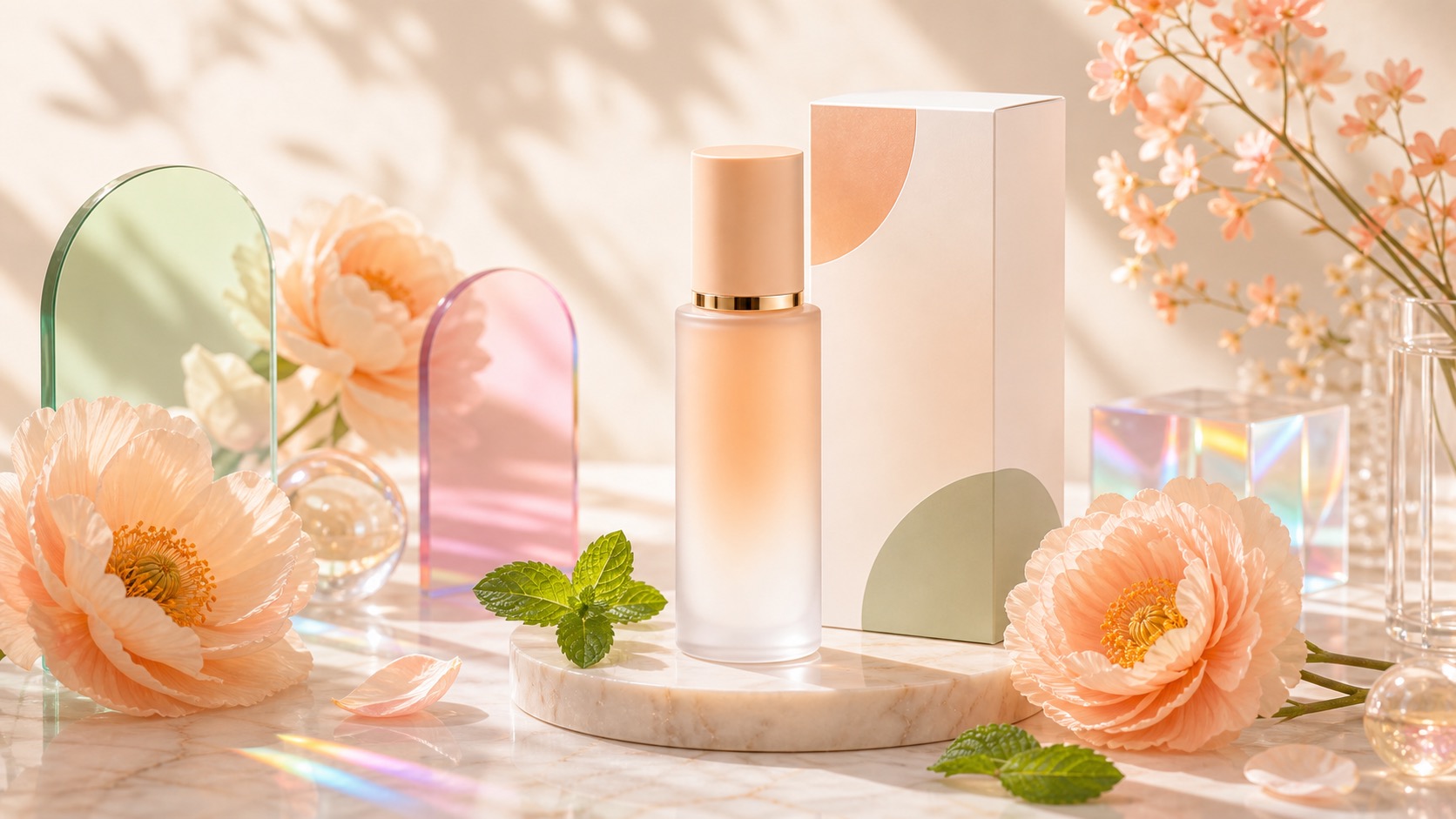
A text prompt alone can be hard to control. With reference-image generation, you can give Meigen AI both a visual direction and an editable prompt, so the output is closer to the style, composition, or product look you want.
| Prompt-only results can drift | Reference images give visual direction |
| Complex styles are hard to describe | The image communicates the style directly |
| Users need prompt expertise | Users upload a visual and edit small fields |
| Copying ends the workflow | Reference generation leads into creation |
| Good for exploration | Better for commercial product ads, posters, portraits, and brand visuals |
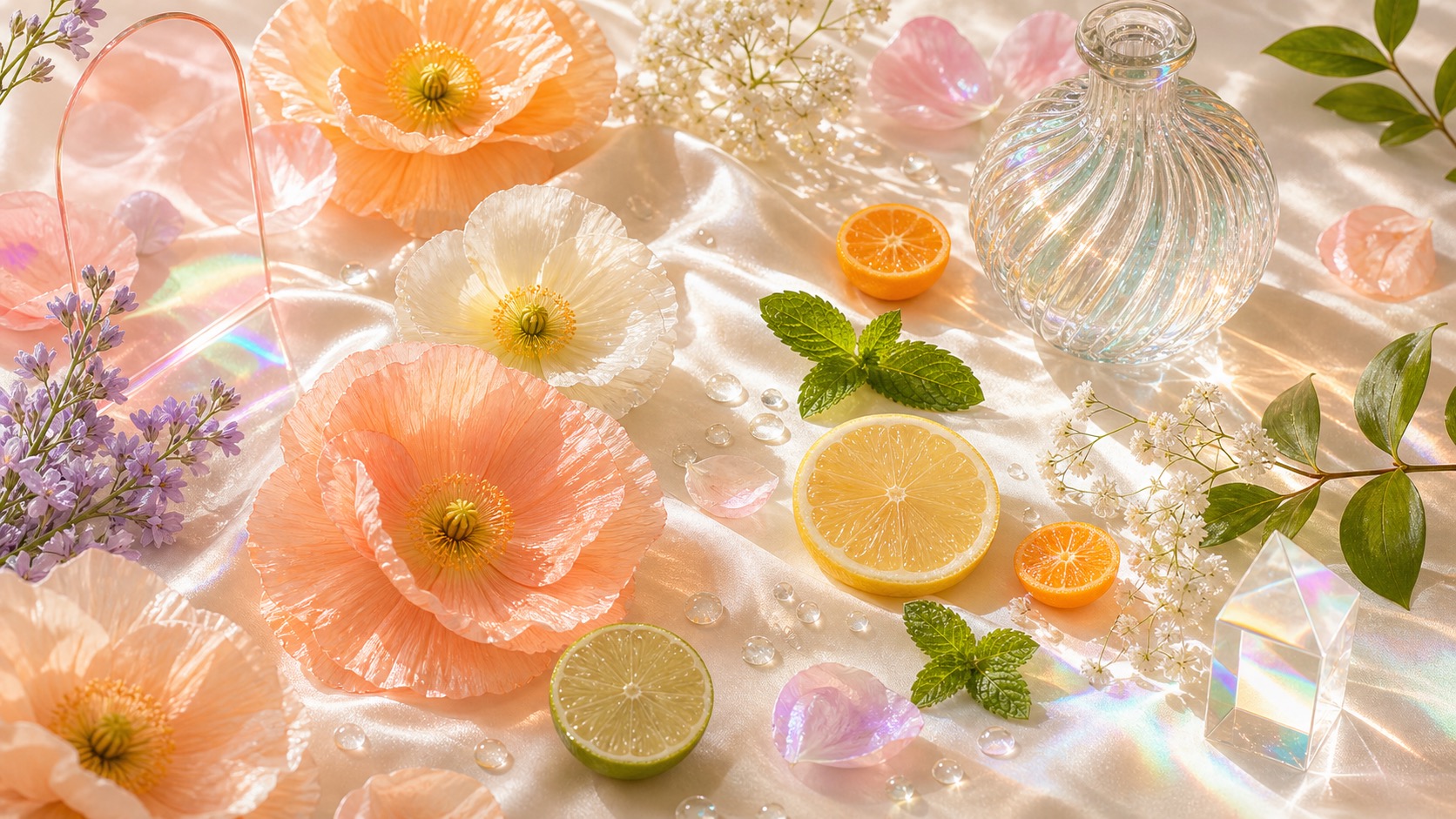
The AI Reference Image Generator is for users who want control, not just inspiration. Upload a reference image, describe the new image you want, and use Meigen AI to keep the useful visual direction while changing the product, scene, character, background, or campaign concept.
Use a visual reference to guide style, subject, product shape, composition, or color direction while keeping full control through an editable prompt.
Upload a reference image and use it to guide the lighting, mood, composition, texture, or overall visual style of your new image.
Keep the visual direction but replace the subject, product, background, color palette, or scene to create a new image from the same style.
Text prompts can be hard to control. A reference image gives Meigen AI a clearer visual direction while the prompt defines what should change.
Create product ads, fashion visuals, posters, portraits, interiors, thumbnails, banners, and campaign images from a reference image.
Pick a prompt from the Meigen AI Prompt Gallery, add a reference image, edit the details, and generate a more controlled result.
Use one reference image to generate multiple directions for different products, layouts, moods, aspect ratios, or marketing scenes.
Upload a reference, choose what to keep, edit the prompt, and generate your own version.
| Step 1 | Upload a reference imageUse a product photo, poster, portrait, fashion shot, interior image, or any visual style you want to guide the result. |
|---|---|
| Step 2 | Choose what to preserveSelect whether you want to keep the style, subject, composition, color palette, character look, or product direction. |
| Step 3 | Edit the promptDescribe what should change, such as the product, background, mood, lighting, camera angle, aspect ratio, or campaign theme. |
| Step 4 | Generate a similar imageMeigen AI combines the reference image and your edited prompt to generate a new image with the direction you want. |
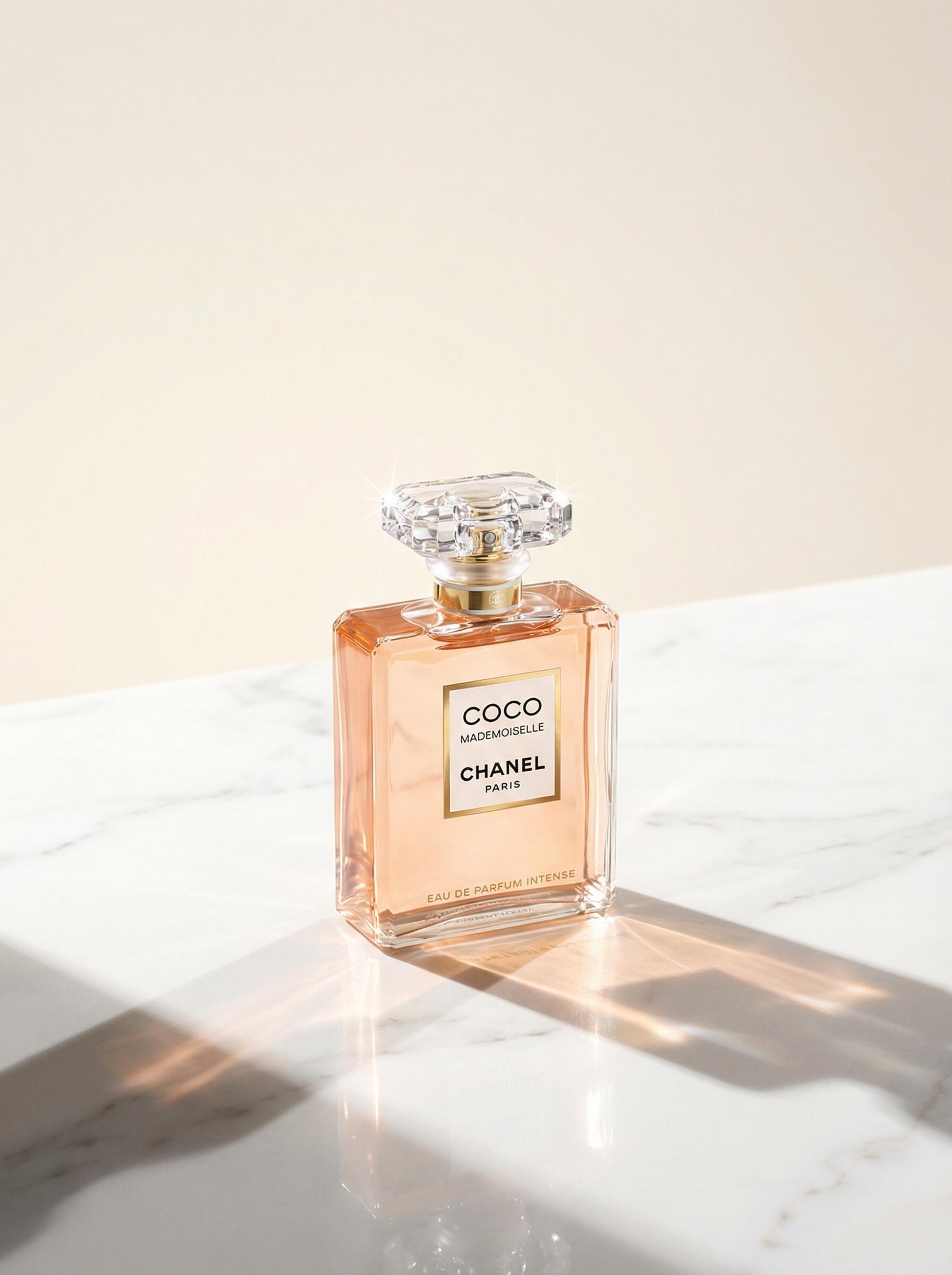
Use the reference image to anchor the look, then use the prompt, model, quality, and ratio controls to create a new result instead of copying a prompt and leaving.
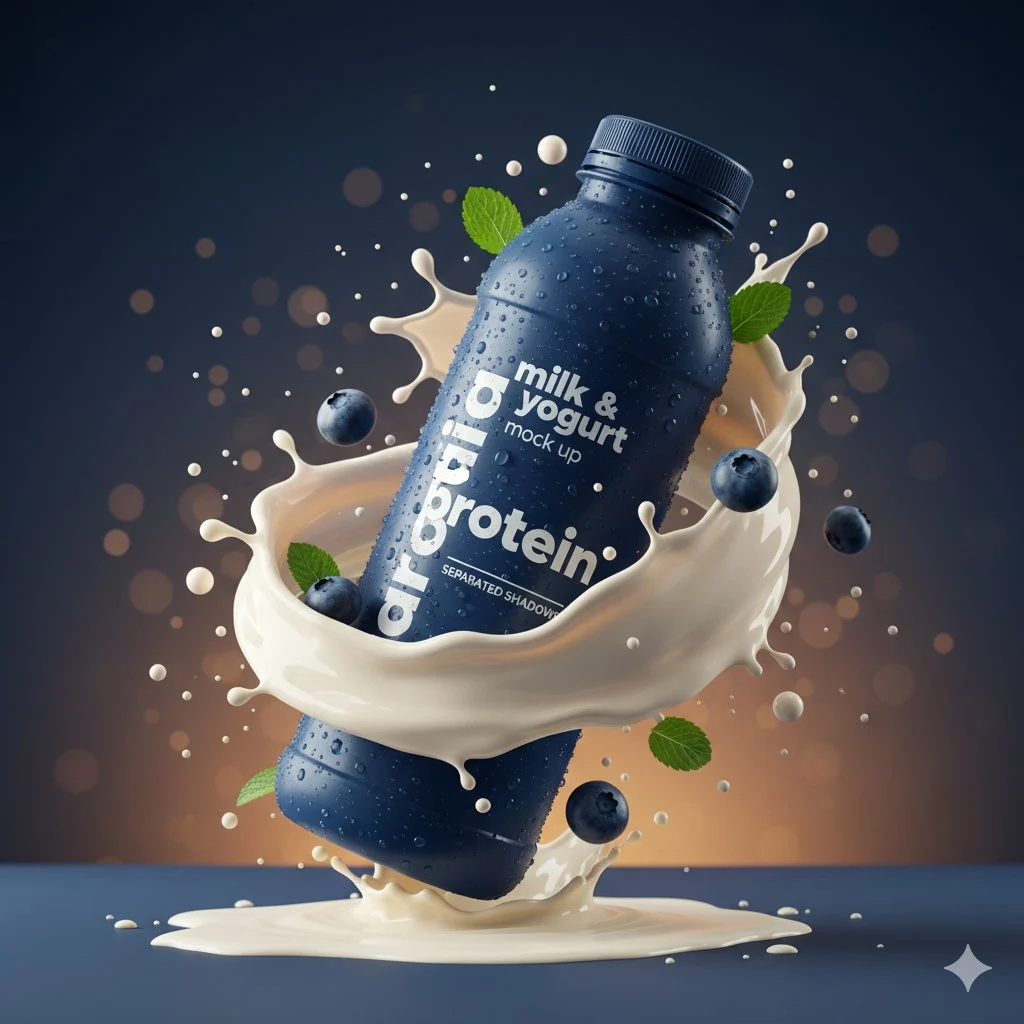 Product AdsGenerate product ads from a reference image while changing product, brand, or campaign style.
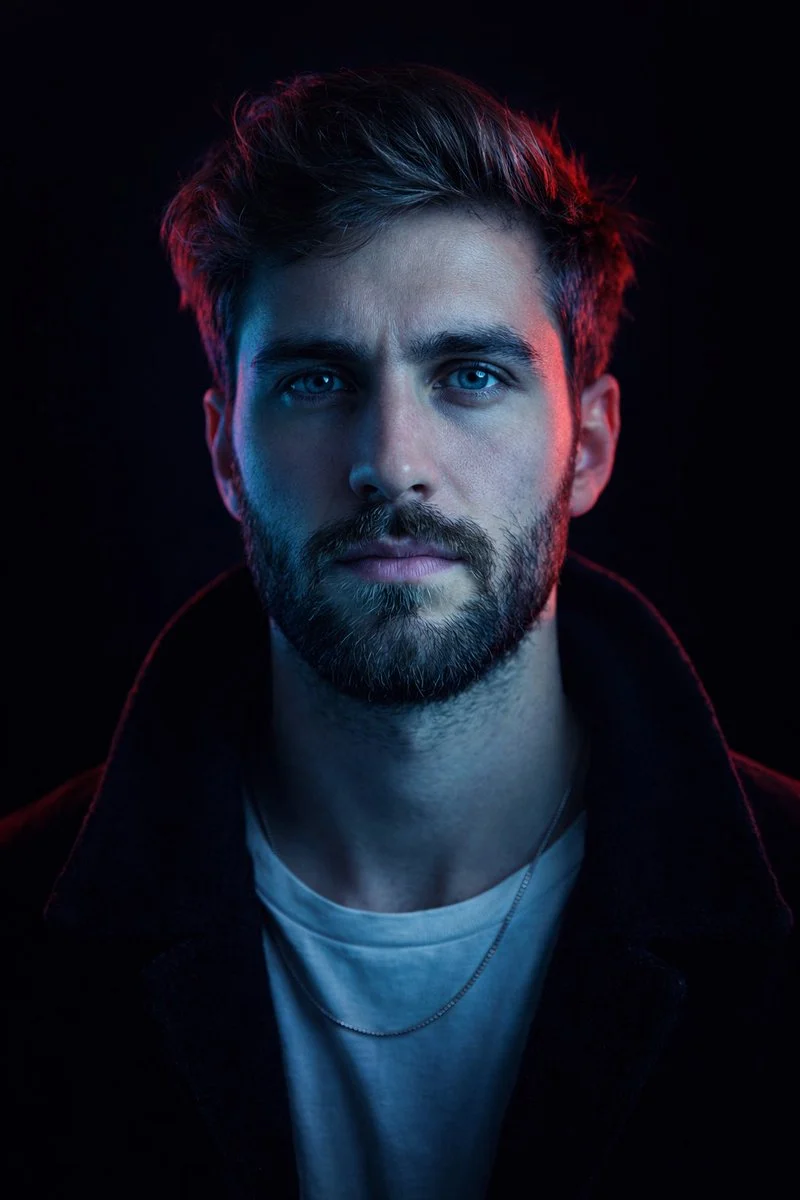 Fashion PhotoshootsUse a fashion photo as a reference for pose, lighting, outfit mood, or editorial style.
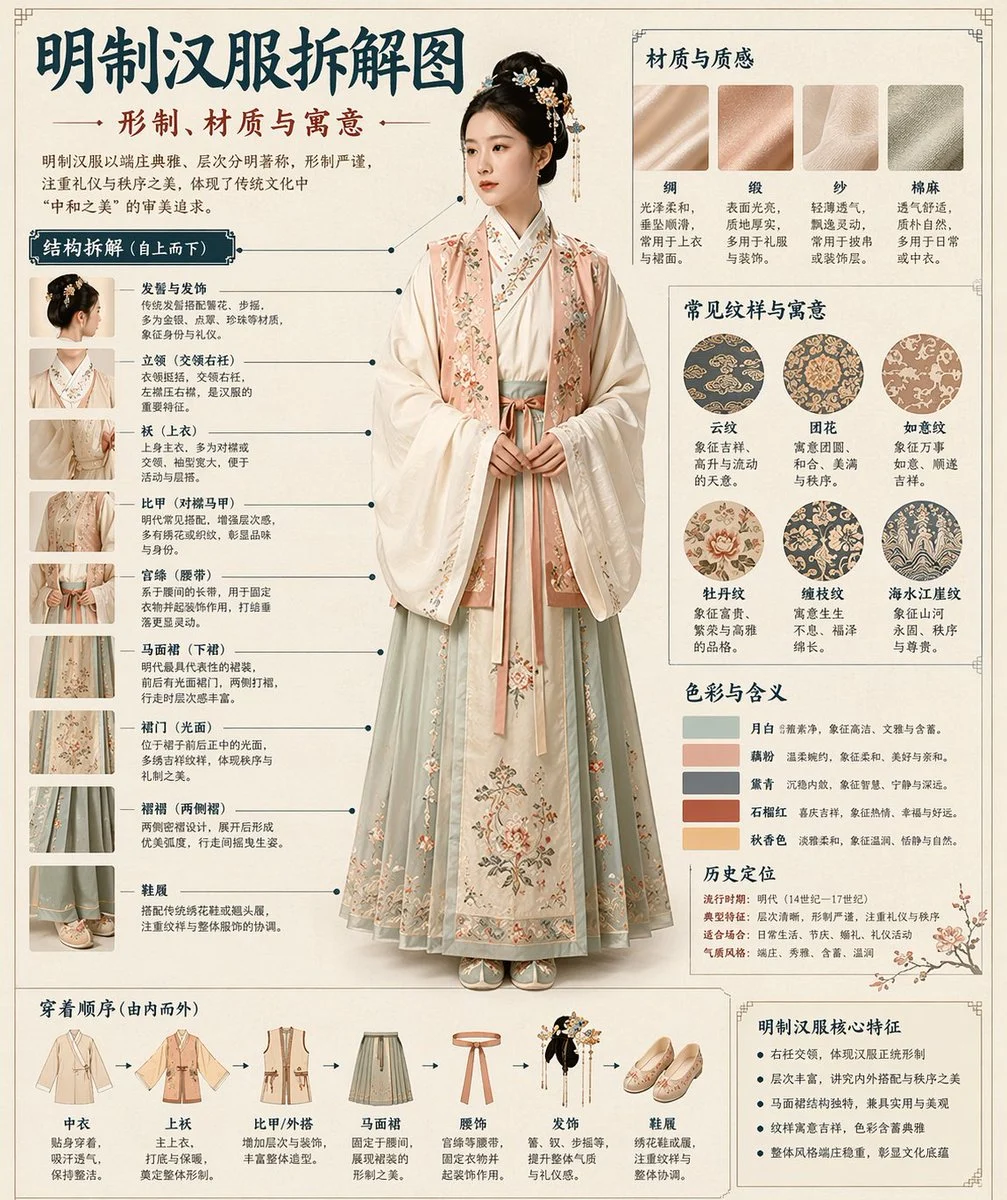 Poster DesignKeep the composition or visual energy of a poster and generate a new concept.
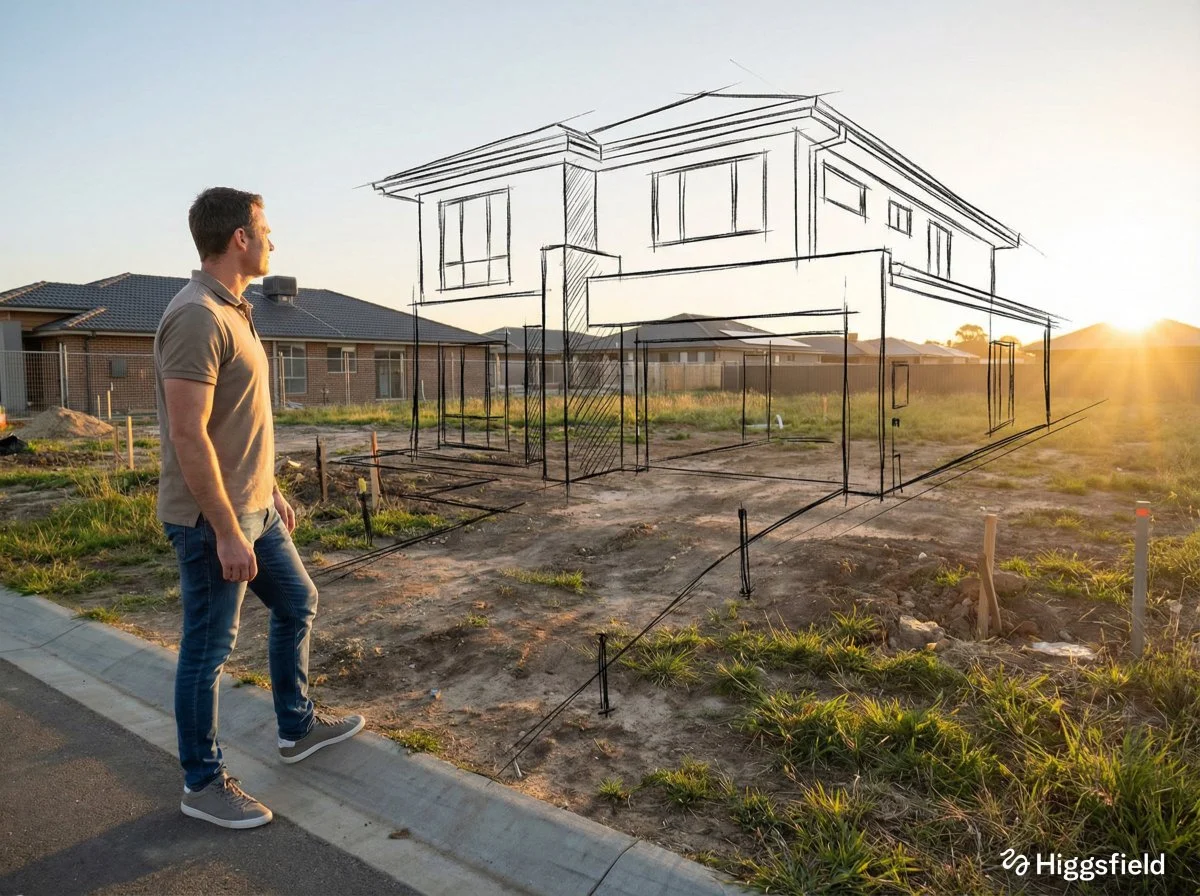 Interior DesignUse a room image as a reference for materials, lighting, camera angle, or layout.
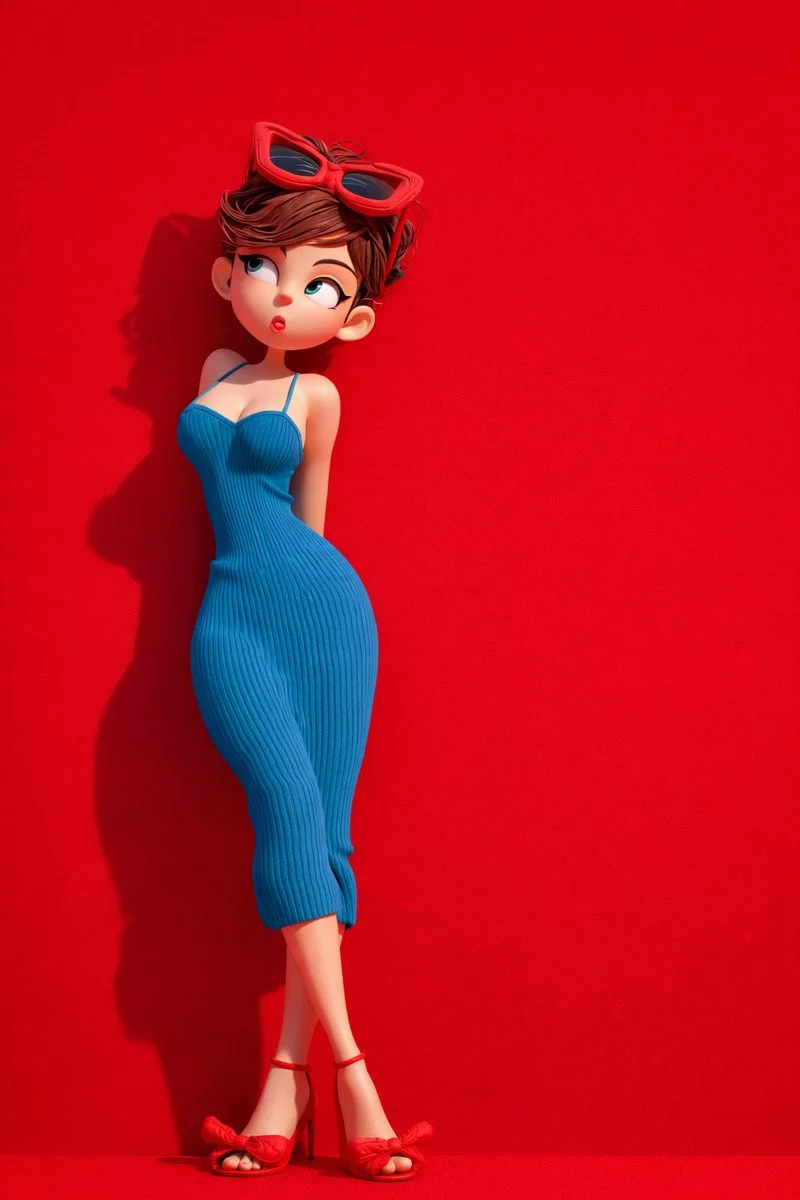 Character ConsistencyUse a character image to guide appearance, mood, and visual continuity.
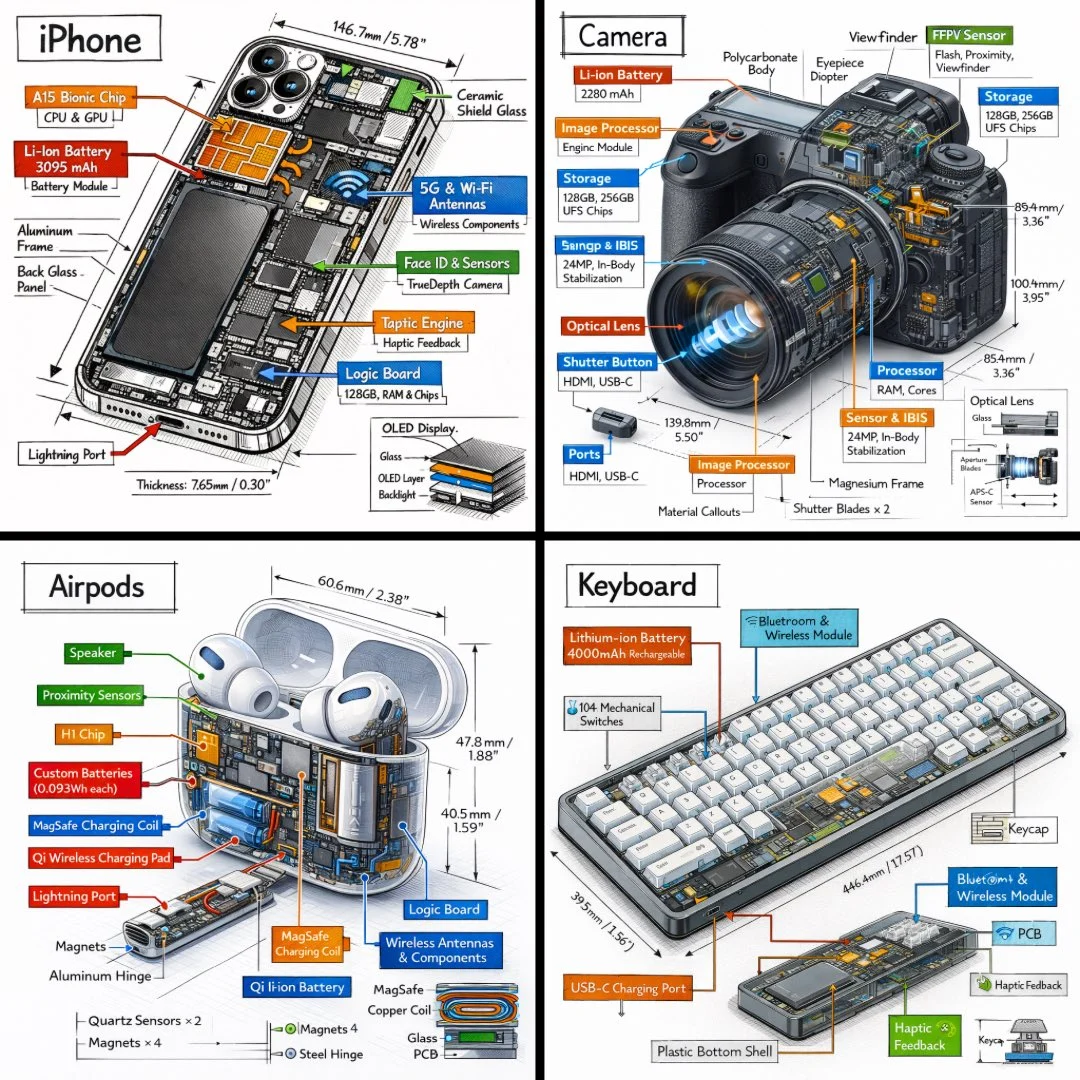 Social Media CreativesCreate campaign visuals, thumbnails, banners, and ads from a visual reference.
You can also start from focused Meigen AI Prompt Gallery examples. Pick a prompt direction, upload a reference image, edit the subject or product, and generate your own version.
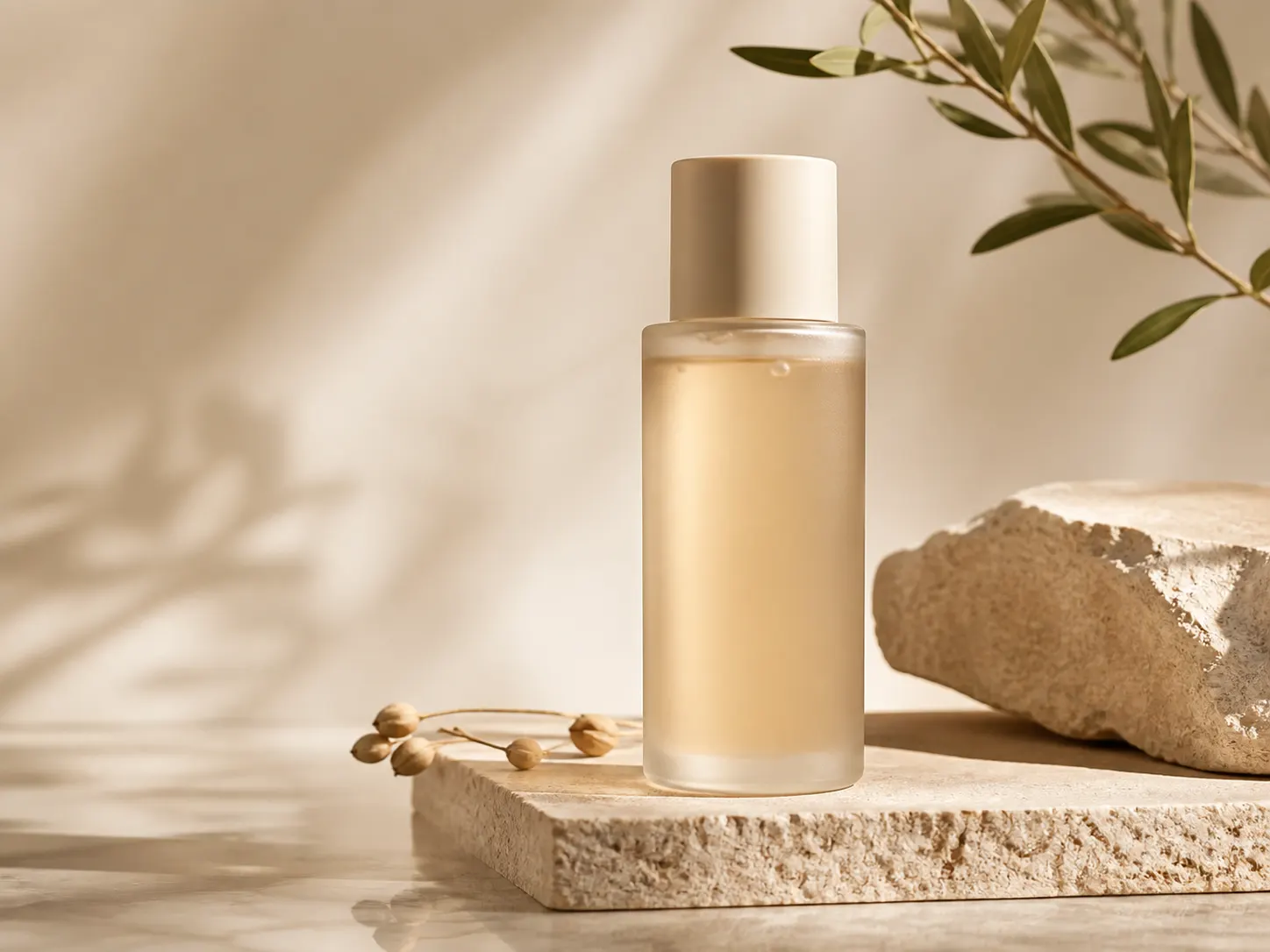 Product Ad ReferenceGenerate similar product ads from a reference image and editable prompt.Customize & GeneratePerfume AdKeep premium lighting and product composition while changing the brand direction.View Prompt
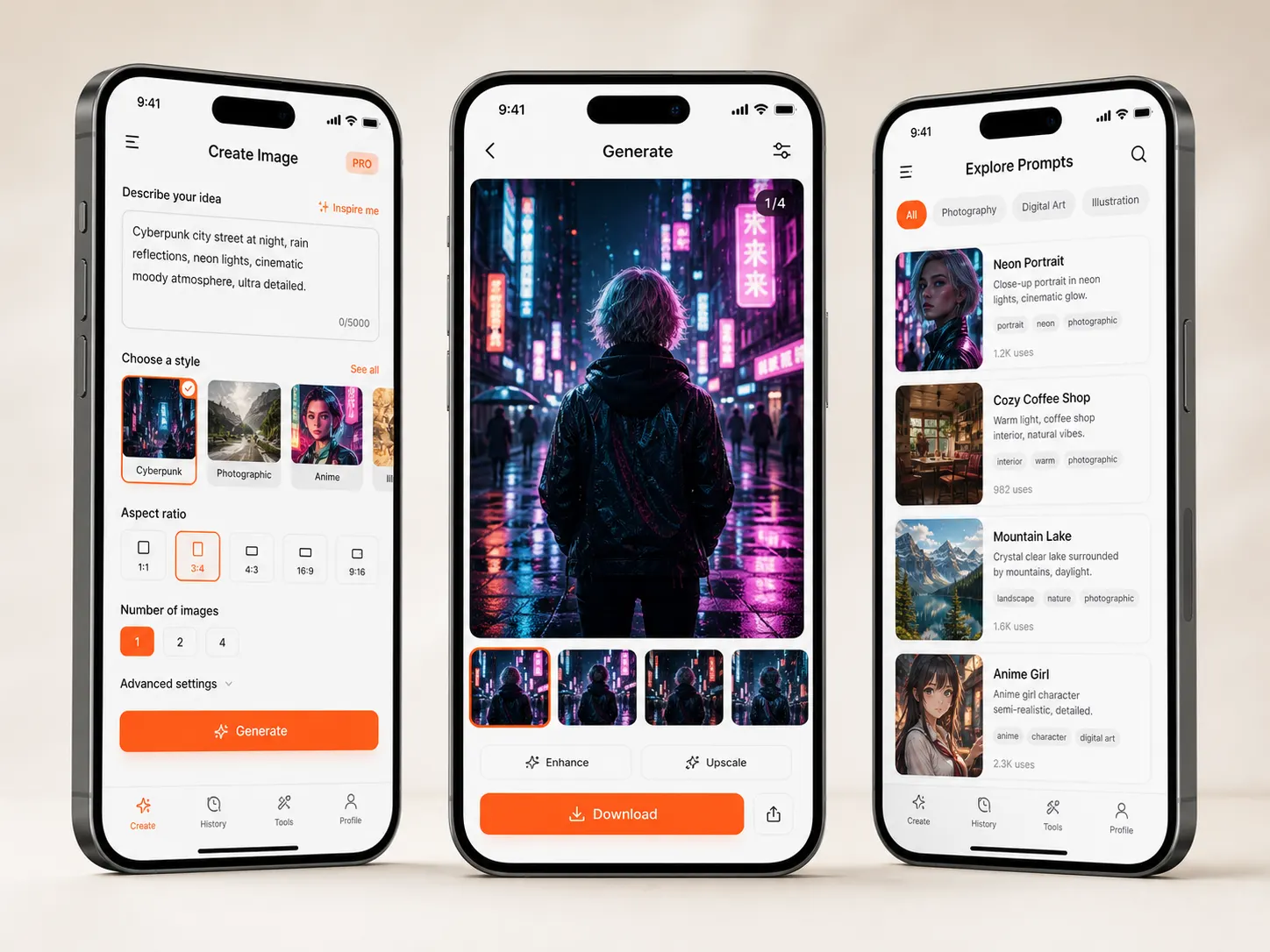 Skincare AdUse a product photo as a visual reference for clean commercial assets.Customize & Generate
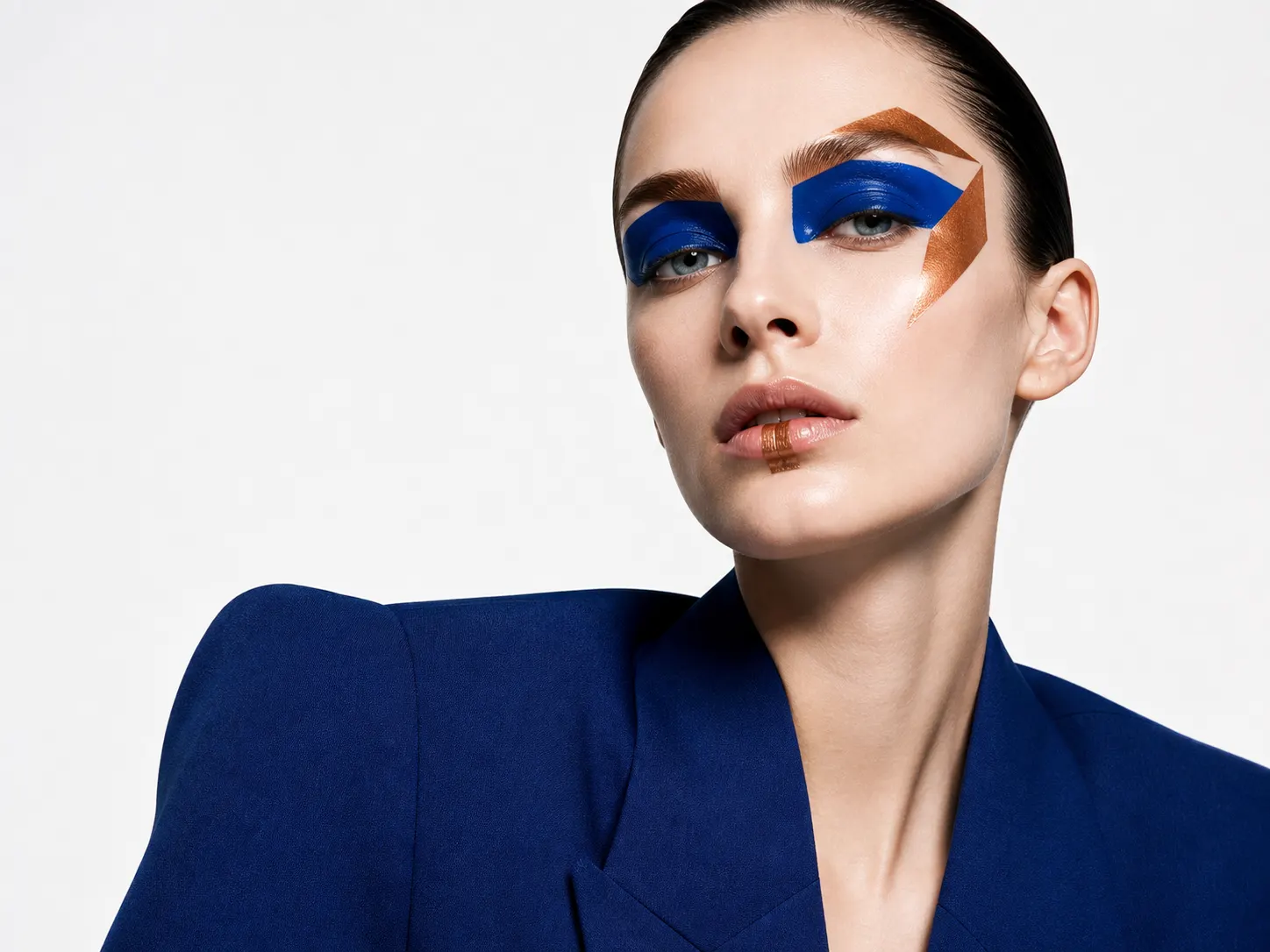 Fashion Editorial ReferenceGuide pose, styling, mood, and lens feel from a fashion reference.View PromptInterior Shot ReferencePreserve materials, layout, lighting, and camera angle from a room image.Customize & Generate
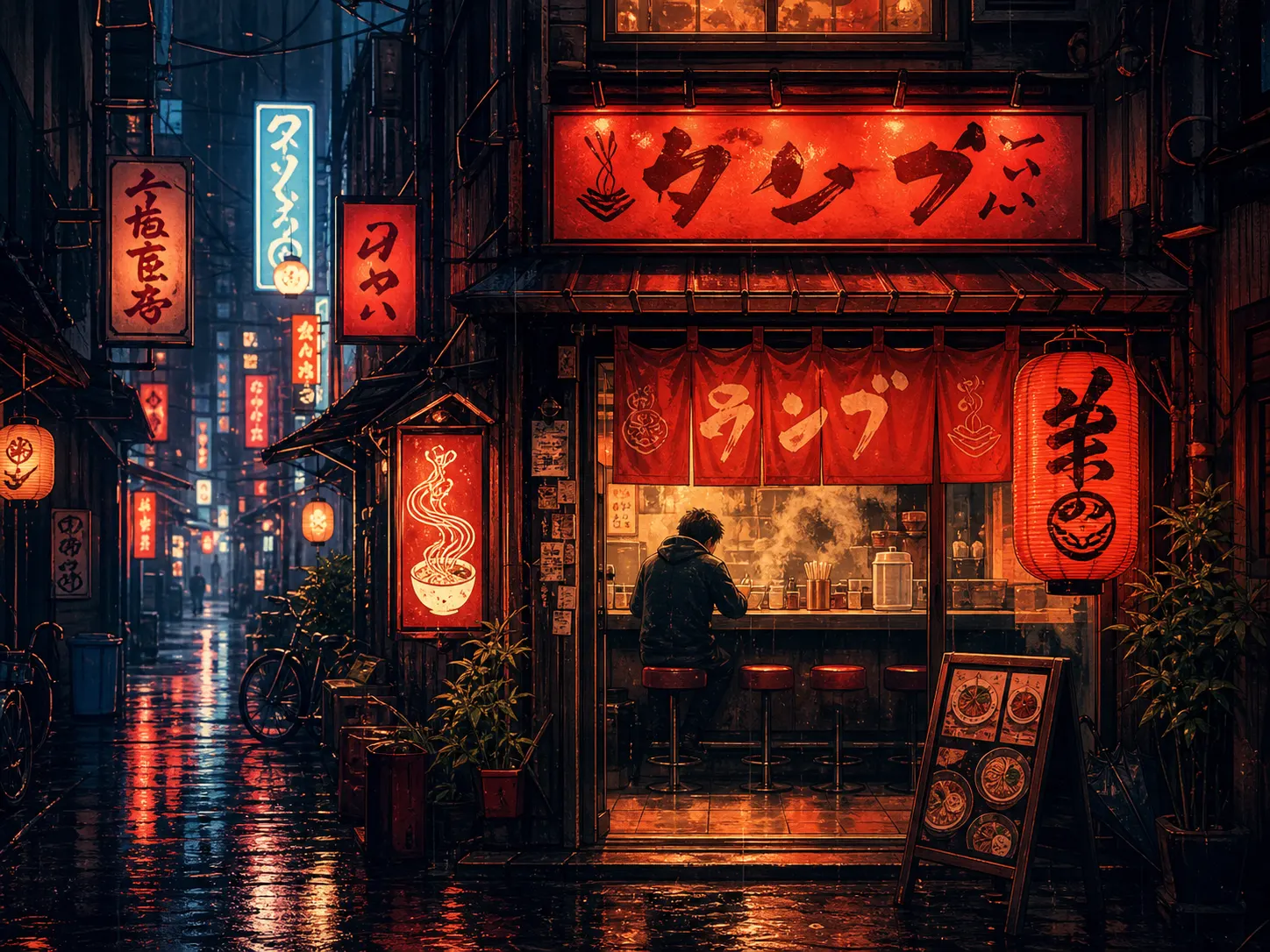 Poster Design ReferenceUse a poster as reference for composition, motion, and graphic direction.View Prompt
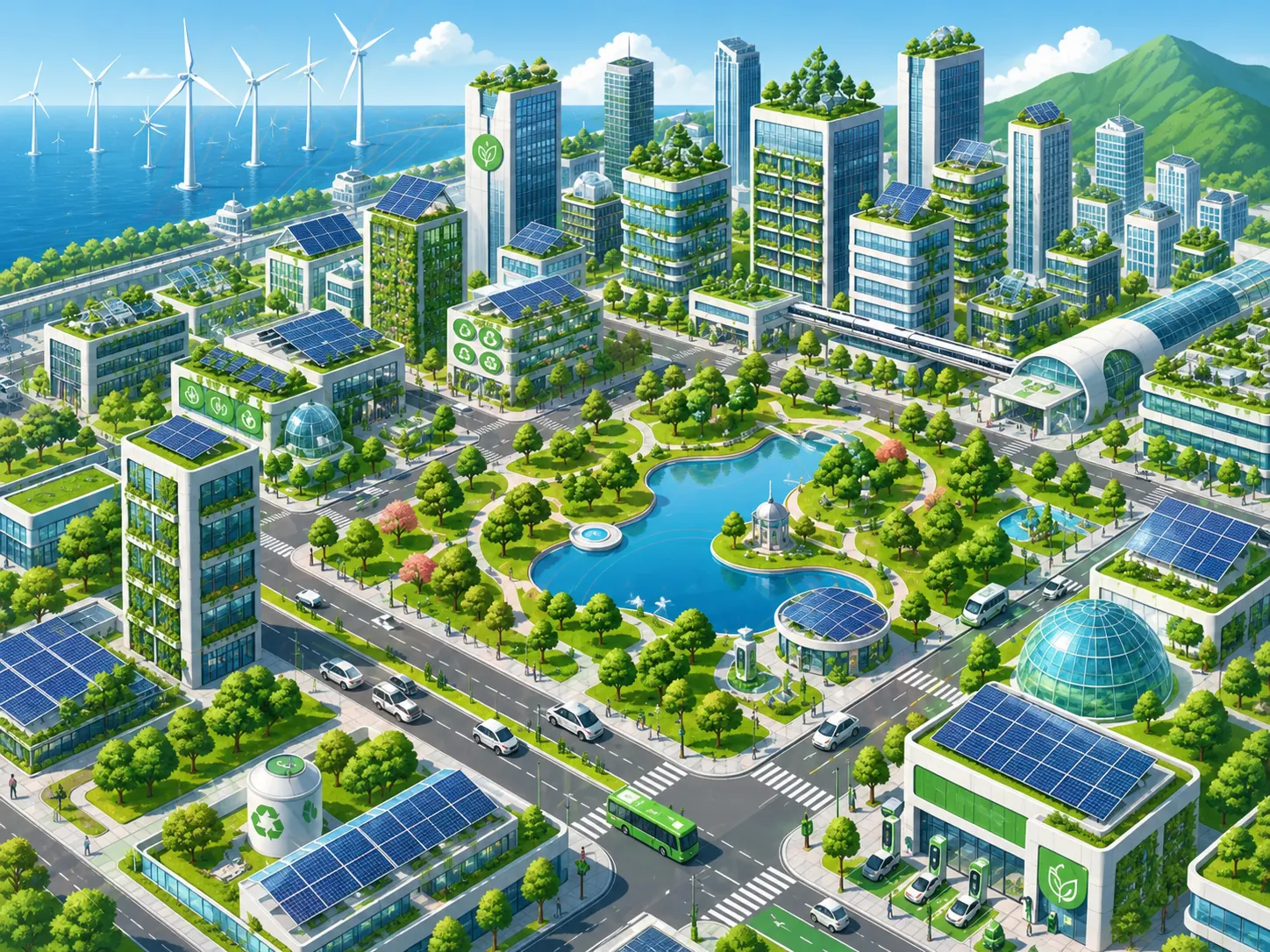 Travel PosterGenerate scenic campaign images from a reference photo or prompt.Customize & Generate
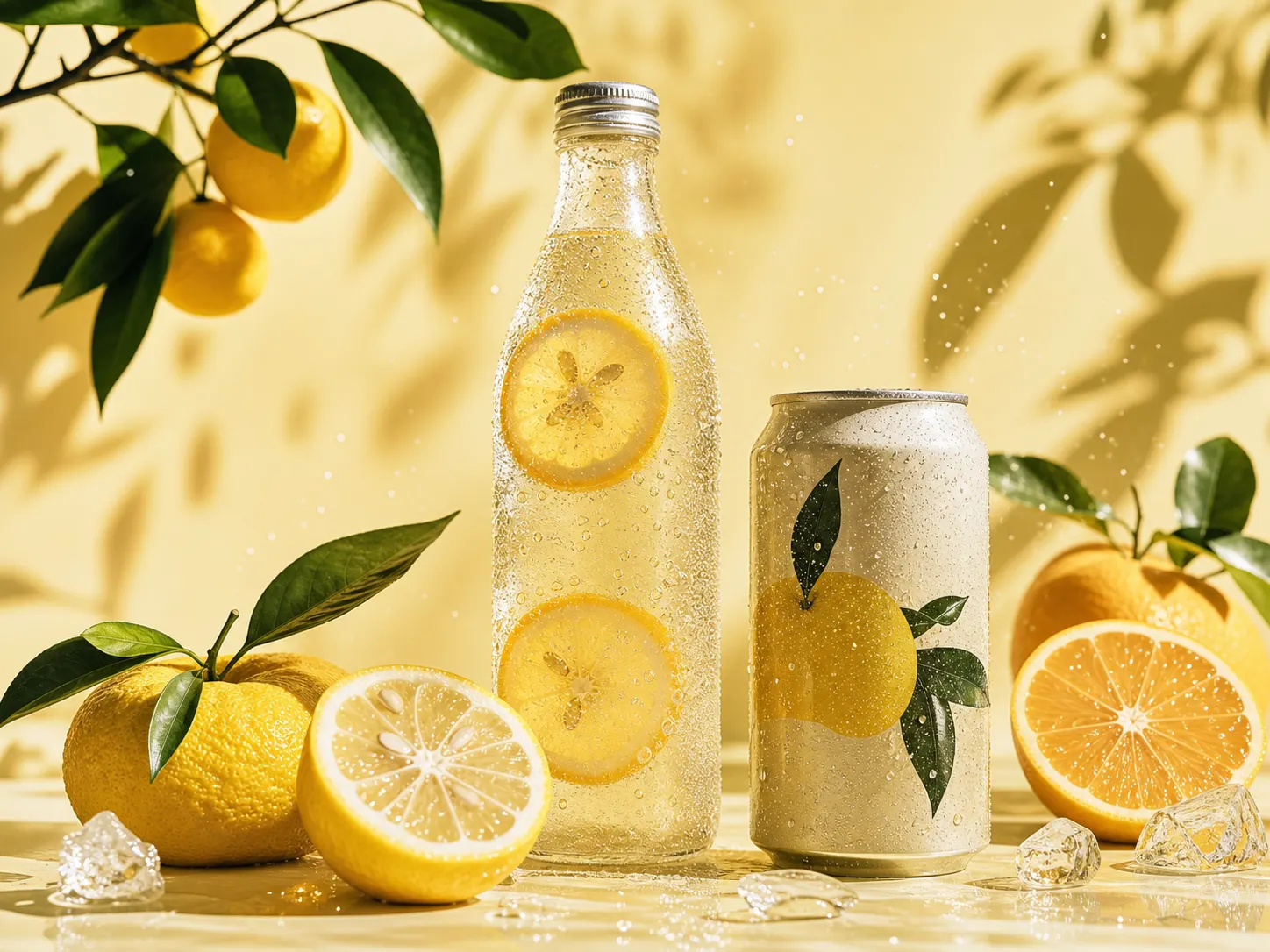 Food PhotographyCreate restaurant, coffee, dessert, and lifestyle images from reference visuals.View Prompt
Reference images help users get closer to the style, layout, and product direction they want without writing a perfect prompt from scratch.
Using a reference image makes the result much easier to control. I can keep the visual mood but change the product and scene.
Product marketerI use it when a text prompt is not enough. The reference image gives the model a clear style direction, and the prompt handles the changes.
AI image creatorFor ad concepts, this is faster than trying to describe every detail. I upload a visual direction, adjust the product, and generate variations.
Small business ownerAn AI reference image generator uses an uploaded image as visual guidance for style, subject, composition, color, or product direction. You can combine the reference image with an editable prompt to generate a similar image.
Yes. You can upload a reference image, choose to keep the style, and change the subject, product, background, mood, or composition in the prompt.
Yes. Product photos are a strong use case. You can upload a product reference and create ad visuals, campaign images, posters, or social media creatives.
Yes. A character image can guide appearance, mood, and visual continuity. You can still edit the prompt to change the scene, action, camera angle, or campaign direction.
Yes. Image-to-prompt extracts a prompt from an image. Reference image generation uses the image as visual guidance while generating a new image.
No. The reference image carries much of the visual direction. You can write a short prompt that describes what you want to change or create.
Yes. You can browse the Meigen AI Prompt Gallery, pick a prompt, upload a reference image, then generate a similar image with stronger visual control.