Multimodal inputs
Plan video concepts from text, images, video, audio, or reference styles when the model workflow supports them.
Gemini Omni Video Generator
Not sure what to generate? Choose an image or video prompt, then turn it into a Gemini Omni video prompt with motion, camera direction, and reference style.
Gemini Omni is Google's multimodal creative model family for generating and editing video from different input types. Meigen keeps this page focused on prompt planning until direct model generation is enabled.
Plan video concepts from text, images, video, audio, or reference styles when the model workflow supports them.
Refine scene direction through natural-language edits instead of rewriting the entire prompt from scratch.
Guide visual direction with product photos, prompt gallery examples, style references, or scene frames.
Turn a prompt or reference image into motion, pacing, camera language, and a short video plan.
Meigen AI turns Gemini Omni video generation into an editable workflow: start from an idea, reuse proven prompts, add references, and control motion before you generate.
Turn a short idea into a structured Gemini Omni video prompt with subject, action, scene, camera movement, lighting, and visual style.
Start from an image or visual prompt and convert it into a video-ready scene with motion, pacing, and camera instructions.
Use reference images or Meigen AI Prompt Gallery examples to guide style, subject, composition, or mood.
Add push-in, orbit, pan, zoom, handheld motion, tracking shots, or product reveal shots.
Customize subject, style, action, environment, camera angle, lighting, aspect ratio, and duration before generating.
Create product ads, fashion clips, social posts, animated posters, explainers, character shots, and campaign visuals.
Go from a simple idea or reference image to a structured video prompt in four steps.
| Step 1 | Start with a video ideaDescribe the scene you want to create, or choose a visual prompt from the Meigen AI Prompt Gallery. |
|---|---|
| Step 2 | Add a reference image or styleUpload a product photo, poster, character image, fashion shot, or style reference to guide the direction. |
| Step 3 | Customize motion and scene detailsEdit camera movement, subject action, lighting, mood, duration, aspect ratio, and visual style. |
| Step 4 | Generate a video-ready prompt or videoUse the structured prompt in Meigen AI. Once Gemini Omni video generation is enabled, generate directly from the editor. |
Define who or what appears in the video and what changes on screen.
A black perfume bottle slowly rotates on a reflective surface.
Describe the physical setting, background, props, materials, and atmosphere.
Luxury studio background with soft beige walls, subtle fog, and warm spotlight reflections.
Add push-in, pan, orbit, handheld, tracking shot, or locked-off frame.
Slow push-in camera move, ending on a close-up of the bottle cap.
Set mood, lighting, color palette, lens style, and creative direction.
Premium commercial style, cinematic lighting, shallow depth of field, elegant reflections.
Tell the model what to keep from your reference image or gallery prompt.
Keep the warm lighting and minimalist composition from the reference image, but replace the product.
Specify the format and intended use, such as product ad, social clip, explainer, or animated poster.
Create a 9:16 vertical product ad for social media.
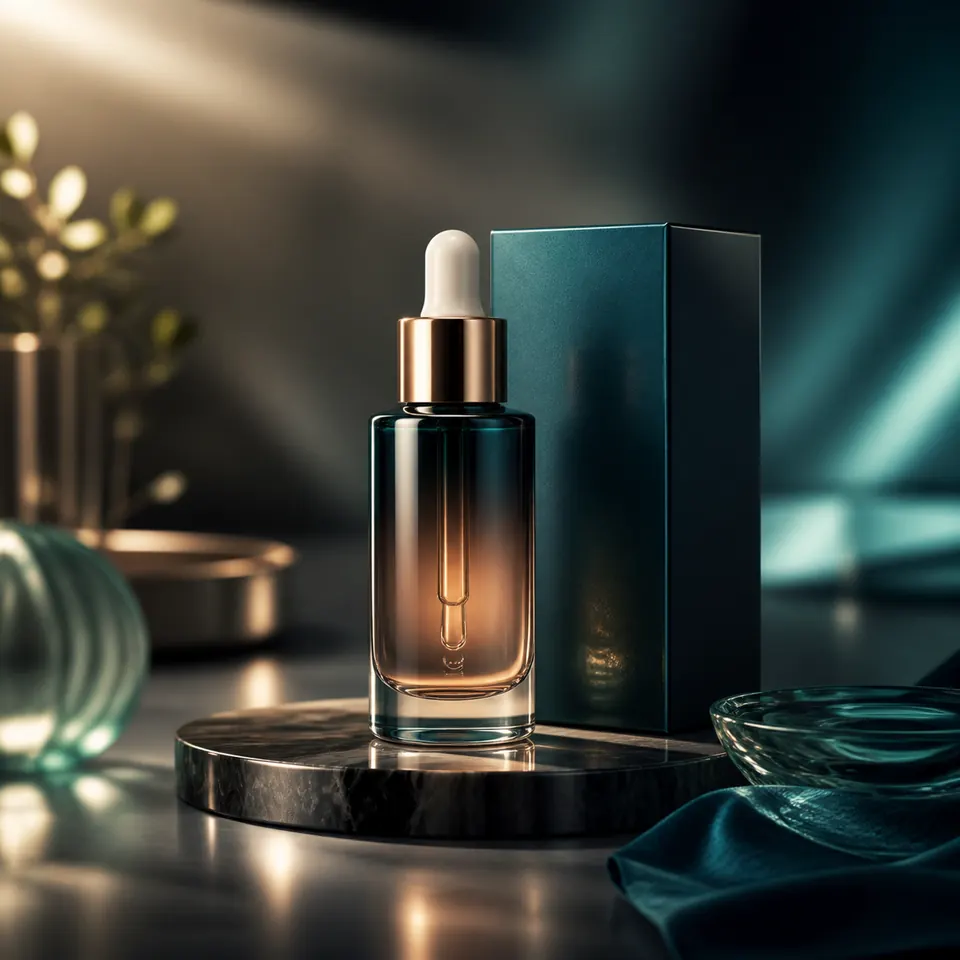 Product Ad VideosCreate product reveals, luxury ads, skincare clips, perfume shots, and e-commerce creatives.
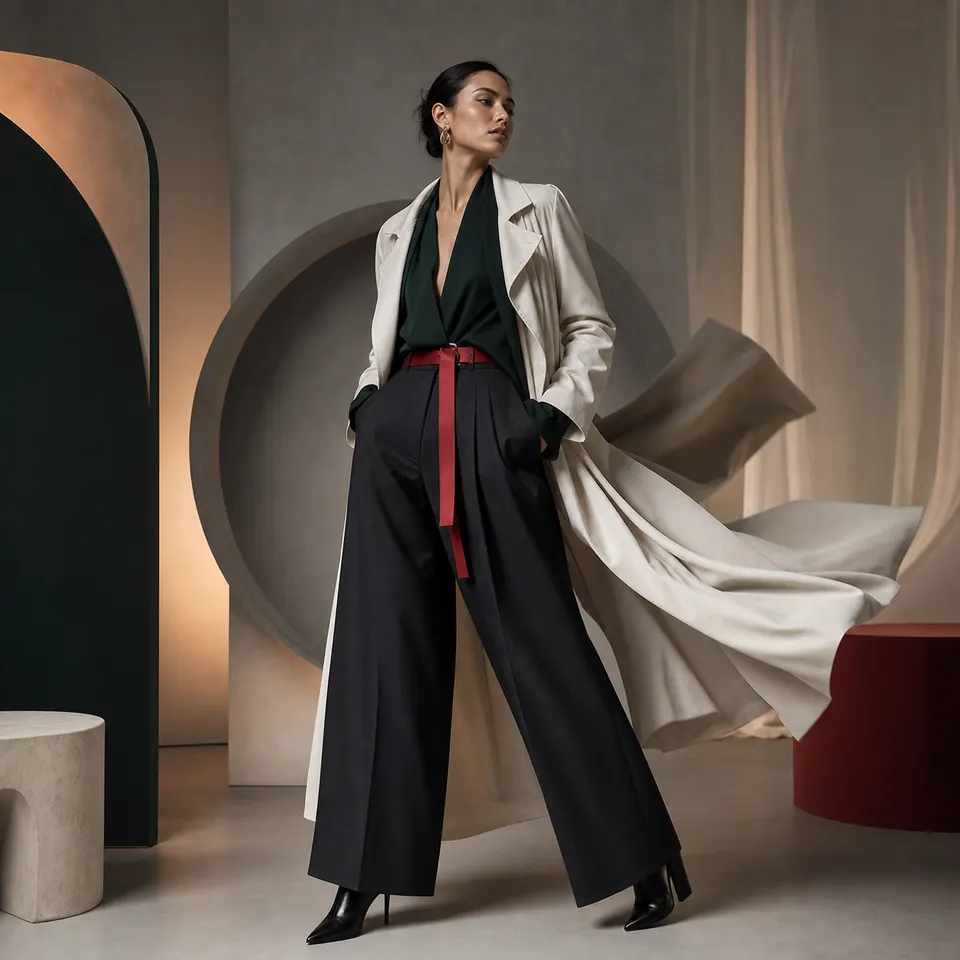 Fashion Video PromptsGenerate editorial fashion motion, runway-style clips, portrait videos, and cinematic model shots.
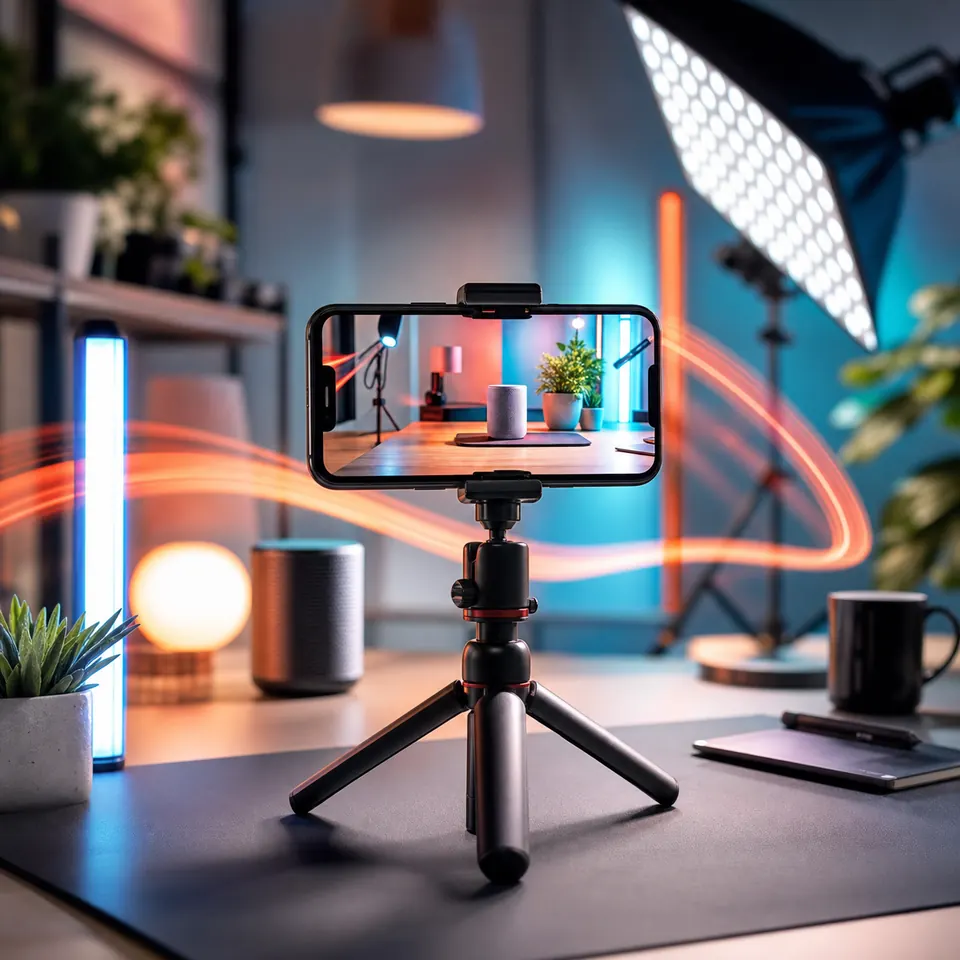 Social Media VideosCreate TikTok, Shorts, Reels, and paid ad creatives from reusable video prompt templates.
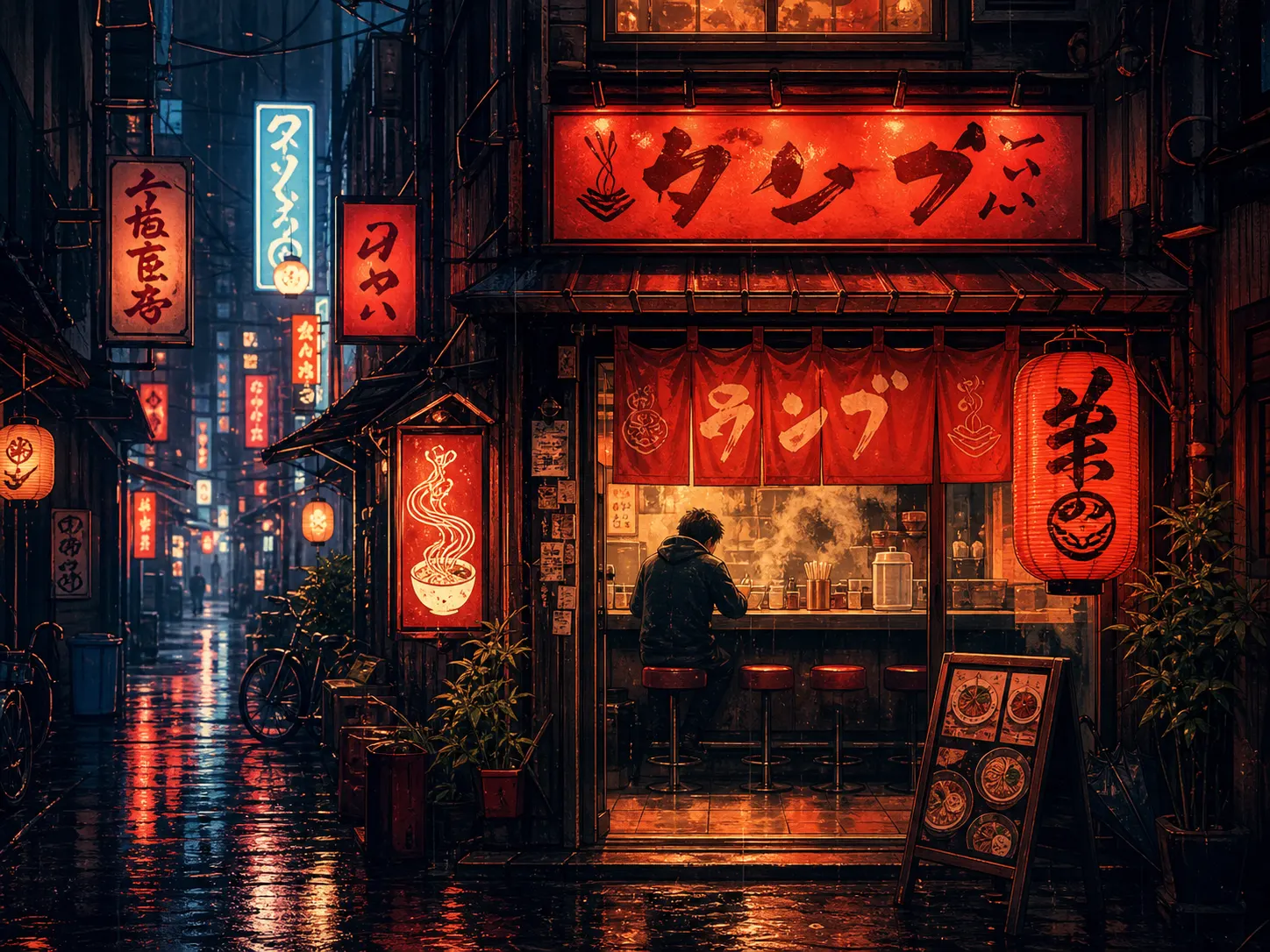 Animated Poster VideosTurn static poster ideas into moving visuals with camera motion and lighting changes.
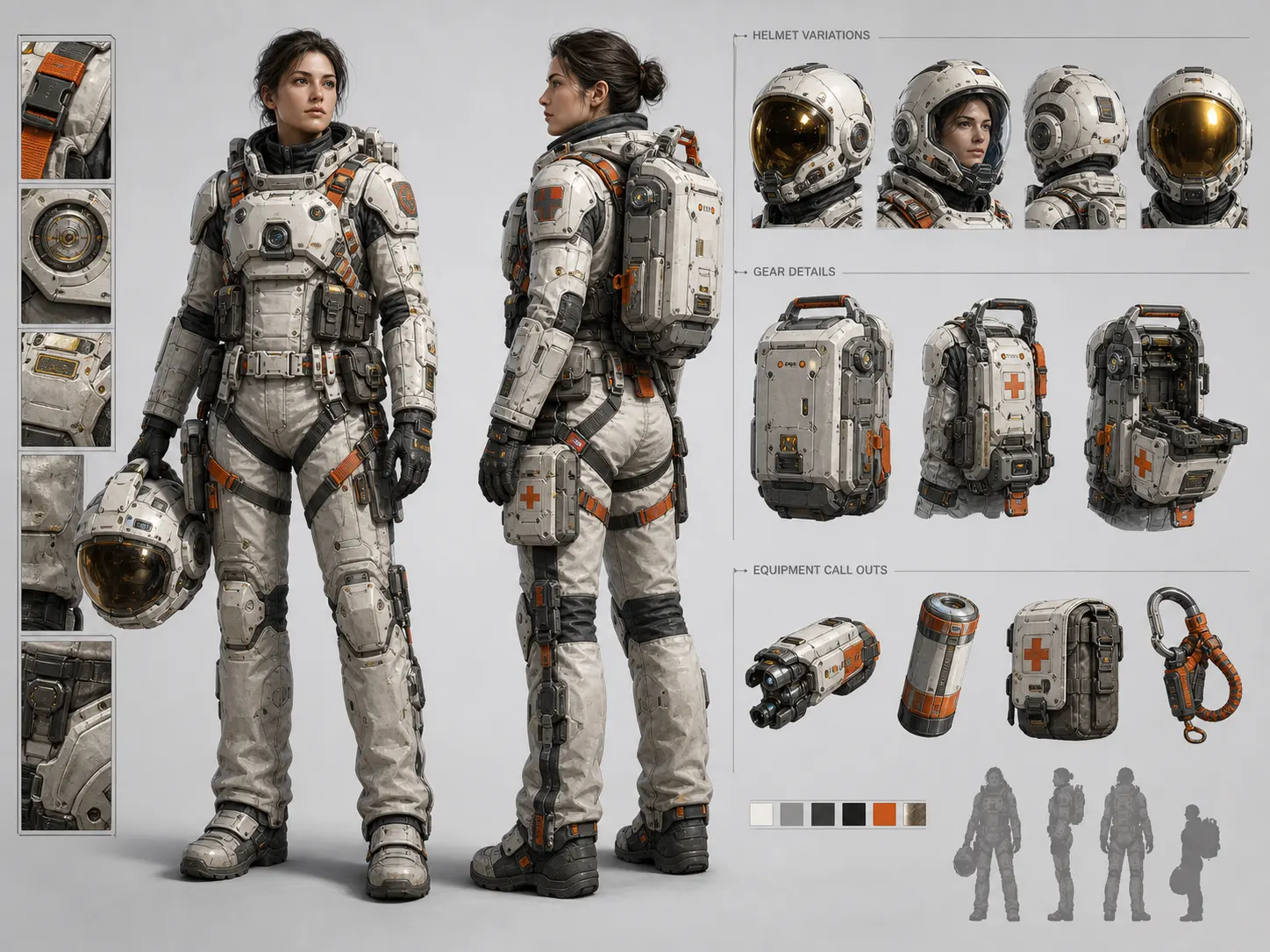 Character Video ConceptsCreate short character scenes with consistent style, action, pose, and environment direction.
 Food and Drink VideosCreate product-style food videos, drink pours, restaurant clips, and commercial tabletop scenes.
Gemini Omni still has limitations, so Meigen AI helps users iterate through editable prompts and shorter clips before committing credits to video generation.
| Usually starts from text only | Starts from text, images, video, audio, or references |
| Hard to control motion after generation | Supports prompt-based refinement and scene edits |
| Often one-shot generation | Better suited for iterative creative workflows |
| Requires detailed prompt writing | Combines Prompt Gallery examples with reference images |
Create a {duration}-second {aspect_ratio} product ad video for {product}. The scene shows {subject_action} in {environment}. Use {camera_motion}, {lighting_style}, and {color_palette}. Keep the style of the reference image, but replace the product with {product}.
Gemini Omni Video Prompt Template
Create a cinematic fashion video featuring {model_or_subject} wearing {outfit}. The scene takes place in {environment}, with {camera_motion}, {lighting_style}, and {mood}. Preserve the reference image's composition and color palette while adding subtle motion.
Gemini Omni Video Prompt Template
Turn this poster concept into a short animated video. Keep the main composition, typography direction, and color mood. Add {motion_effect}, {camera_motion}, and {lighting_change}.
Gemini Omni Video Prompt Template
Create a short interior walkthrough video of {room_type}. Preserve the reference image's material style and lighting. Use a {camera_motion} camera move, showing {key_elements}.
Gemini Omni Video Prompt Template
Gemini Omni is Google's multimodal creative model family that starts with video generation and editing. It is designed to work with inputs such as text, images, video, audio, and references.
Gemini Omni Flash is the first model in the Gemini Omni family, designed for high-quality video generation and editing from different input types with instruction following and conversational editing.
Yes. In Meigen AI, you can start from an image, a prompt gallery example, or a product photo, then turn it into a structured video prompt.
Yes. Start from a visual prompt, add camera motion, scene direction, duration, and aspect ratio, then create a video-ready Gemini Omni prompt.
Yes. Veo is Google's dedicated video generation model, while Gemini Omni is positioned as a broader multimodal creative model for multiple input types and conversational editing workflows.
Gemini Omni is designed for natural-language video editing. Meigen AI supports that workflow by keeping scene, motion, and style prompts editable.
A strong prompt includes subject, action, scene, camera motion, visual style, lighting, reference instruction, duration, aspect ratio, and intended use.
Yes. Gemini Omni video prompts are useful for product ads, social media clips, animated posters, fashion videos, explainer videos, and campaign visuals.
You can start by creating Gemini Omni video prompts in Meigen AI. Video generation may require credits depending on model availability, duration, reference input, and settings.
Yes. Meigen AI is designed around editable prompts and visual references for guiding video concepts and style direction.
Start from a text idea, image, or Meigen AI prompt. Add motion, camera direction, visual style, and reference guidance, then turn it into a video-ready Gemini Omni prompt.