Extract the Visual Structure
Meigen AI analyzes the image and breaks it down into subject, style, composition, lighting, color palette, mood, and camera direction.
Image to Prompt
Tap a preset to add its prompt.
Upload an image first. Meigen AI will prepare a reusable prompt, then you can edit it or generate a new image.
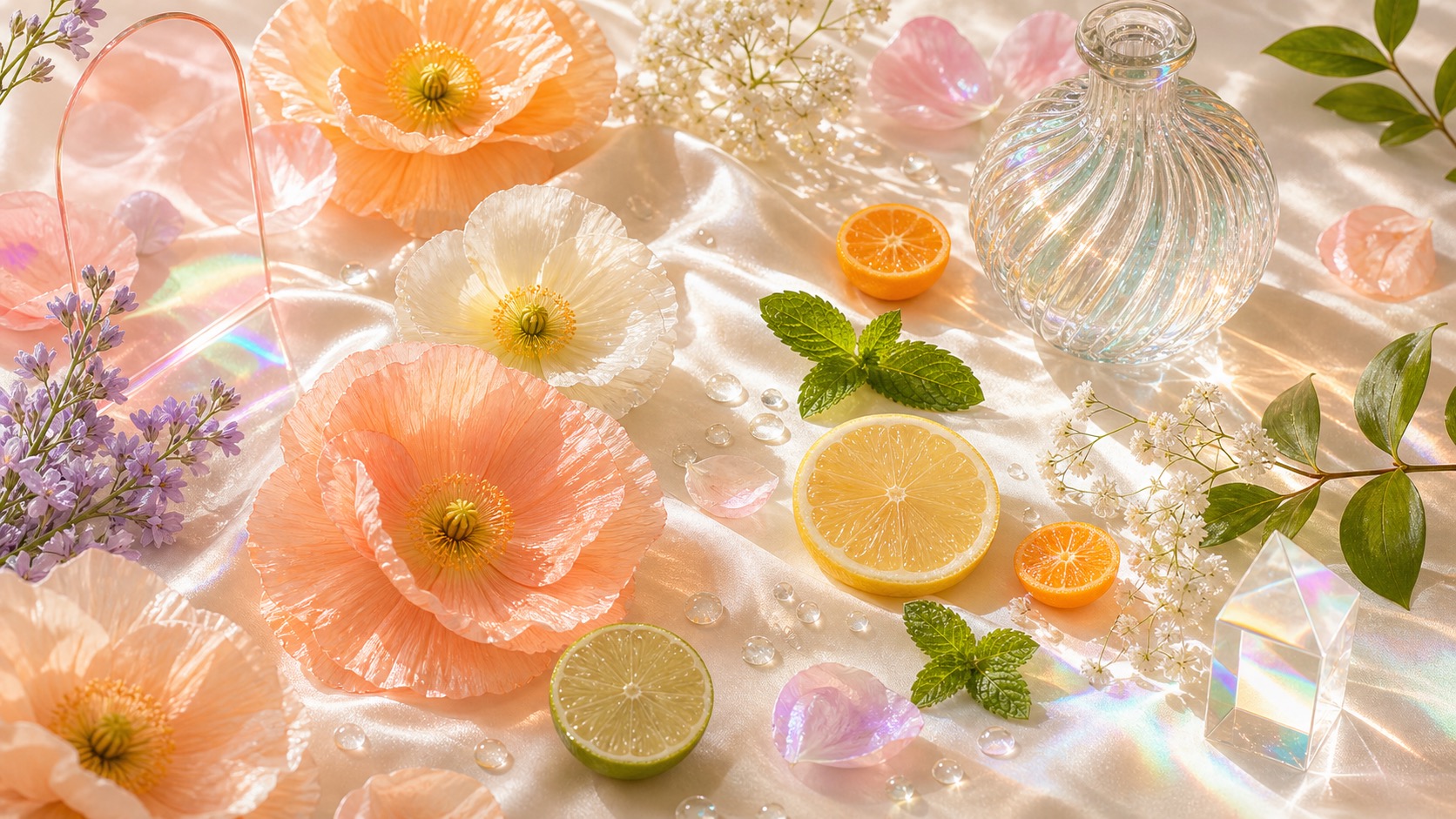
Most prompt galleries only give you text to copy. Meigen AI helps you reverse-engineer a visual, turn it into an editable prompt, and make small changes before generating your own version.
| Only gives a prompt to copy | Extracts a structured prompt from an image |
| Users leave after copying | Users edit the prompt and generate |
| Prompt is hard to customize | Subject, style, color, and composition are editable |
| No image context | Works with reference images and gallery examples |
| No creation workflow | Upload image, extract prompt, generate, save, and reuse |
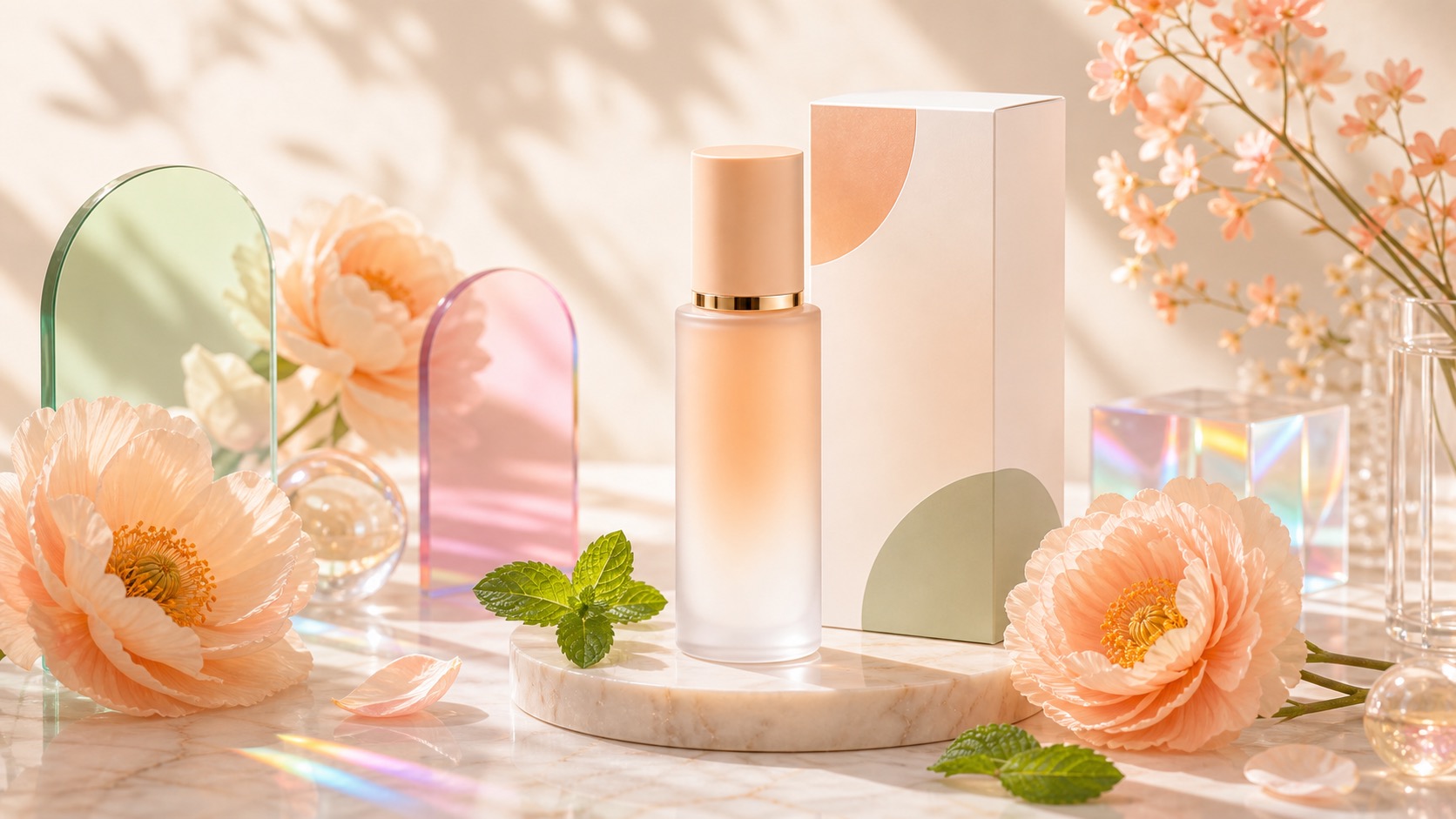
The AI Image to Prompt Generator is designed for creators who already have a visual reference but do not know how to describe it. Upload a product ad, poster, portrait, interior image, fashion shot, food photo, or social media creative, then use Meigen AI to create a prompt that captures the important visual direction without forcing you to write everything from scratch.
Do not start from a blank prompt. Upload an image, understand how the visual is built, then customize the prompt to create your own version.
Meigen AI analyzes the image and breaks it down into subject, style, composition, lighting, color palette, mood, and camera direction.
Change the product, subject, color, background, or visual mood before generating. The prompt becomes a flexible starting point.
After extracting the prompt, use it directly in Meigen AI to generate a similar image with your own subject, product, or brand direction.
Start from your uploaded image or explore the Meigen AI Prompt Gallery to find proven visual styles and reusable prompt structures.
Use image-to-prompt for product ads, posters, portraits, fashion shoots, interiors, social media creatives, and marketing visuals.
Create one prompt, edit small details, generate variations, and reuse the same structure across multiple visual concepts.
Go from visual reference to editable prompt in a few steps.
| Step 1 | Upload an imageStart with a product photo, poster, portrait, interior shot, fashion image, or any visual style you want to recreate. |
|---|---|
| Step 2 | Extract the promptMeigen AI turns the image into a structured AI prompt with style, subject, lighting, composition, color palette, and mood. |
| Step 3 | Customize the detailsEdit the subject, product, background, color, composition, or campaign direction to make the prompt fit your own idea. |
| Step 4 | Generate your versionUse the edited prompt to generate a similar image in Meigen AI, or copy it for later use. |
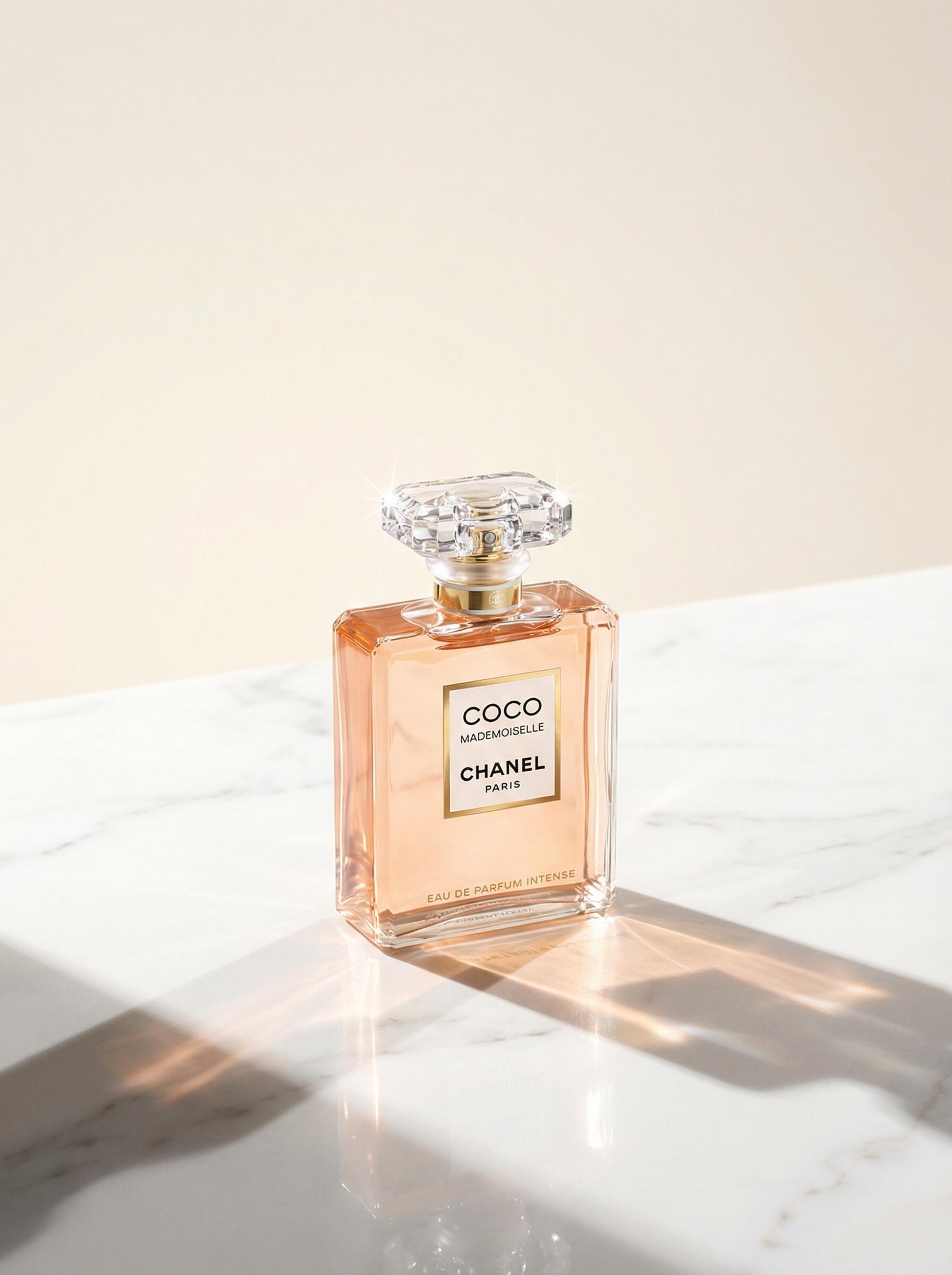
Upload once after signing in to extract the editable prompt for free, then decide whether the image is worth generating. Image generation still uses the same 5-credit flow.
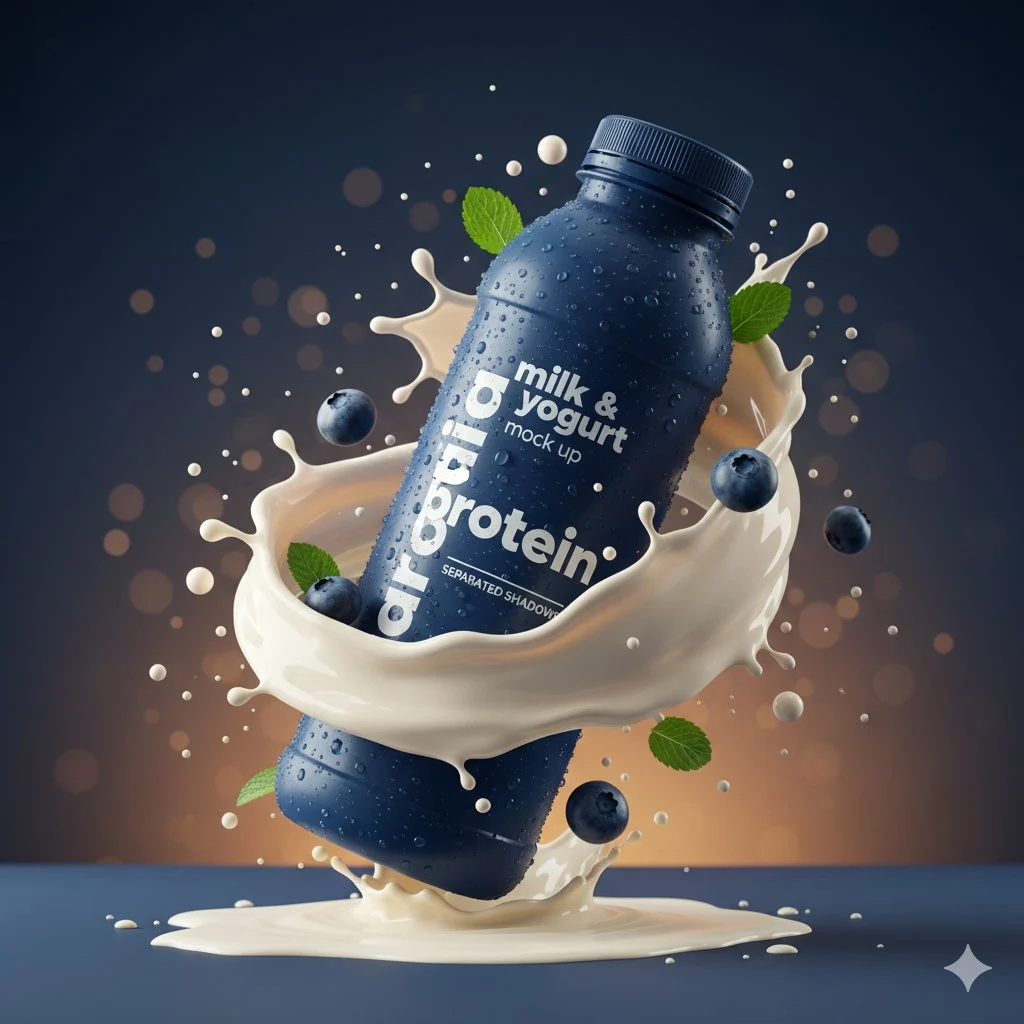 Product Ad PromptsTurn a product photo into an editable commercial ad prompt.
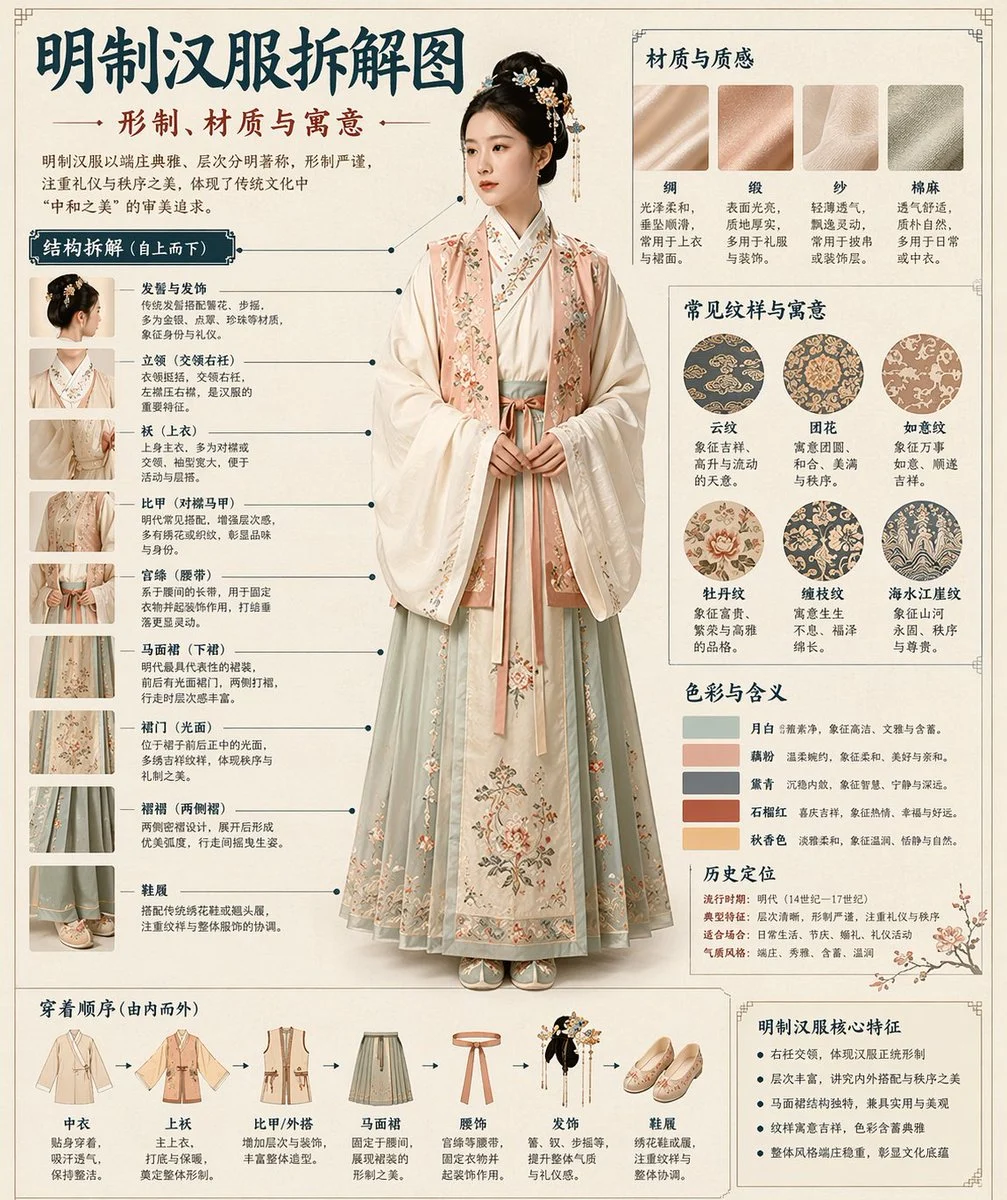 Poster Design PromptsExtract poster style, layout, lighting, and typography direction.
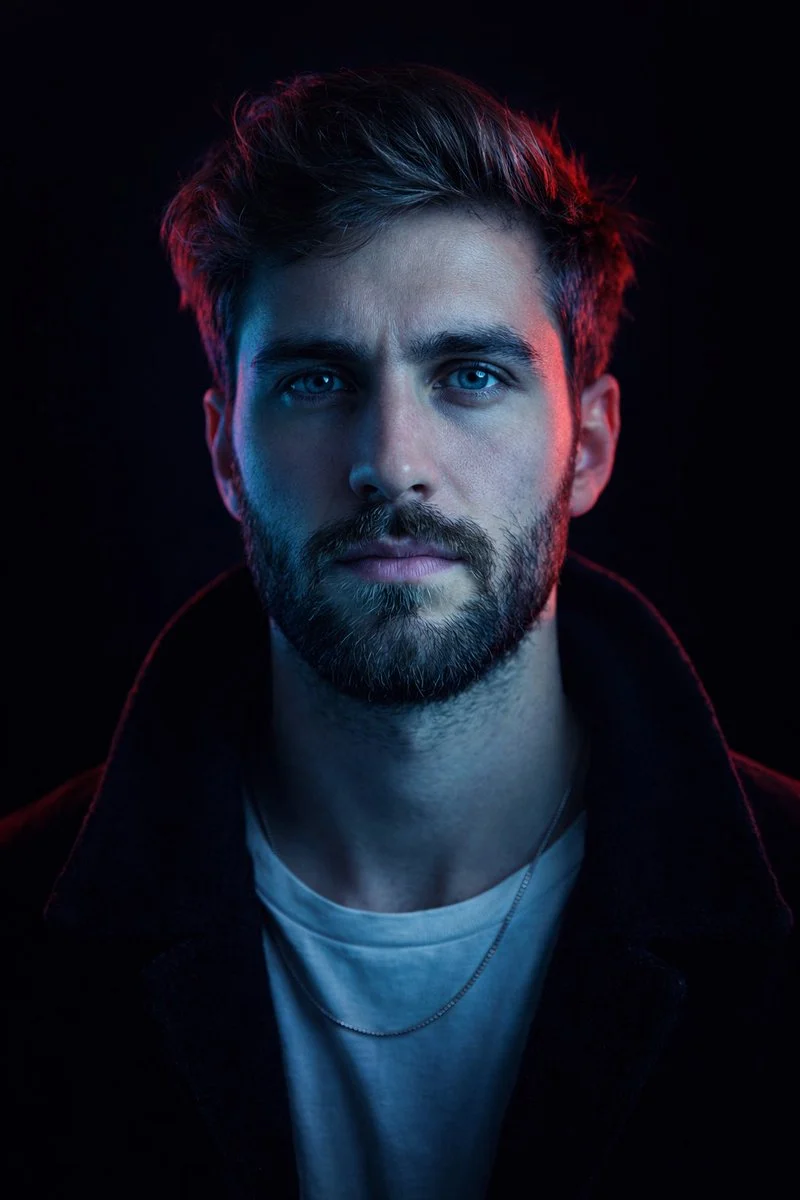 Fashion Photoshoot PromptsReverse-engineer model poses, lighting, styling, and editorial mood.
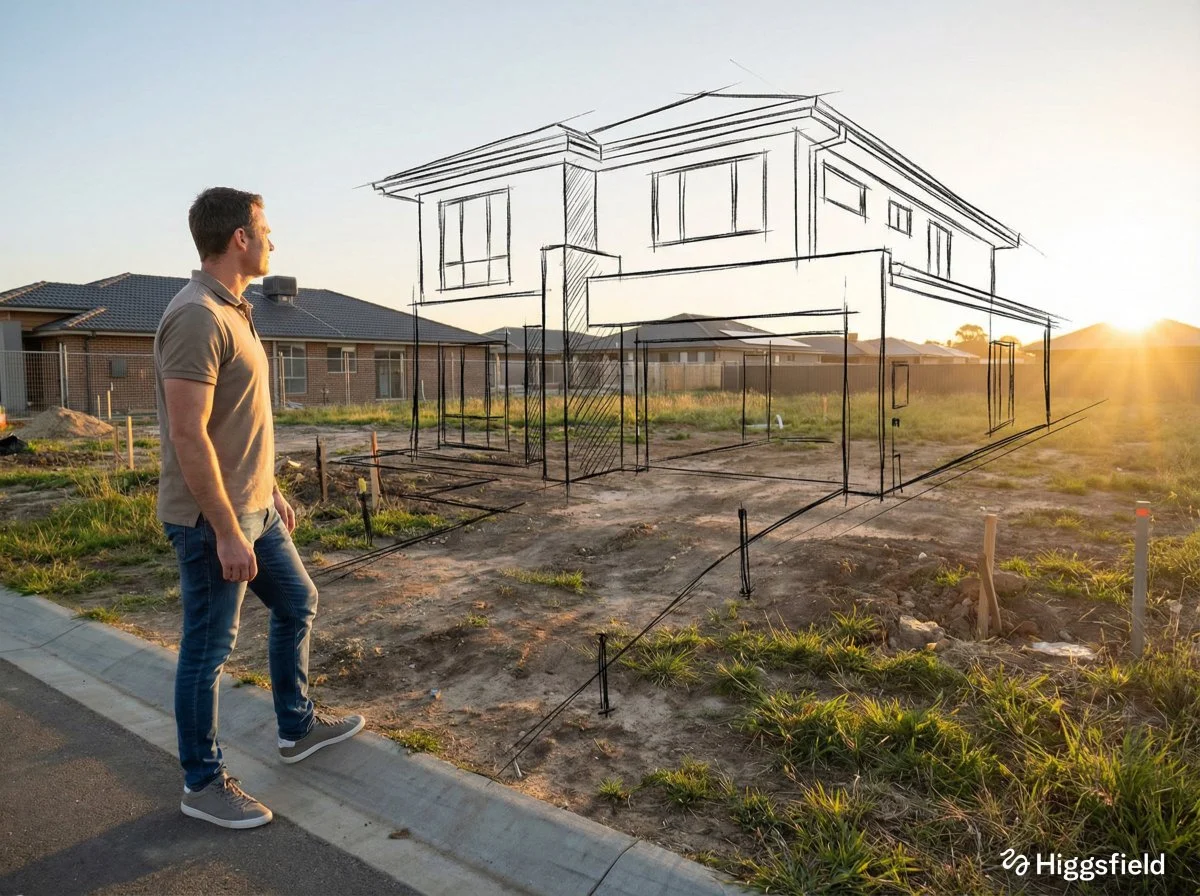 Interior Design PromptsConvert interiors into prompts for room style, camera angle, light, and materials.
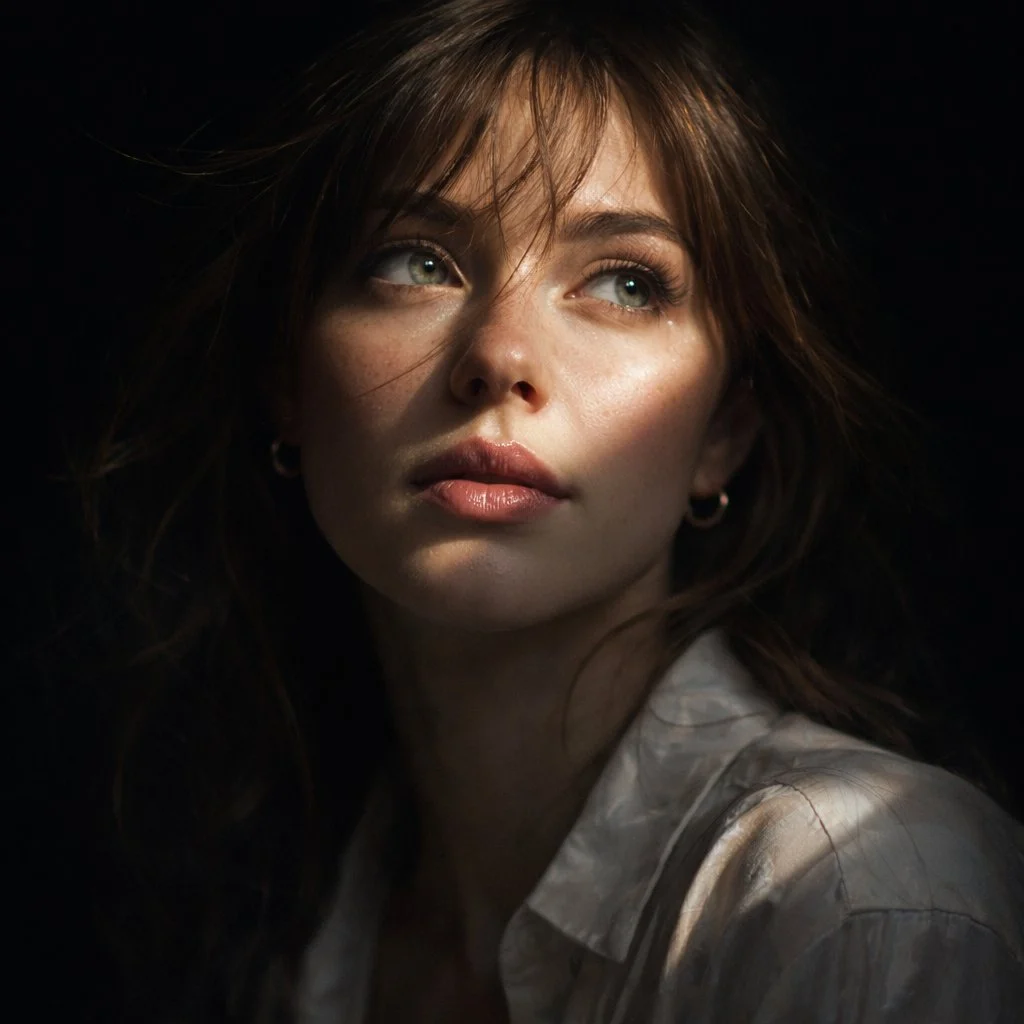 Portrait Style PromptsExtract portrait mood, lens style, background, and lighting setup.
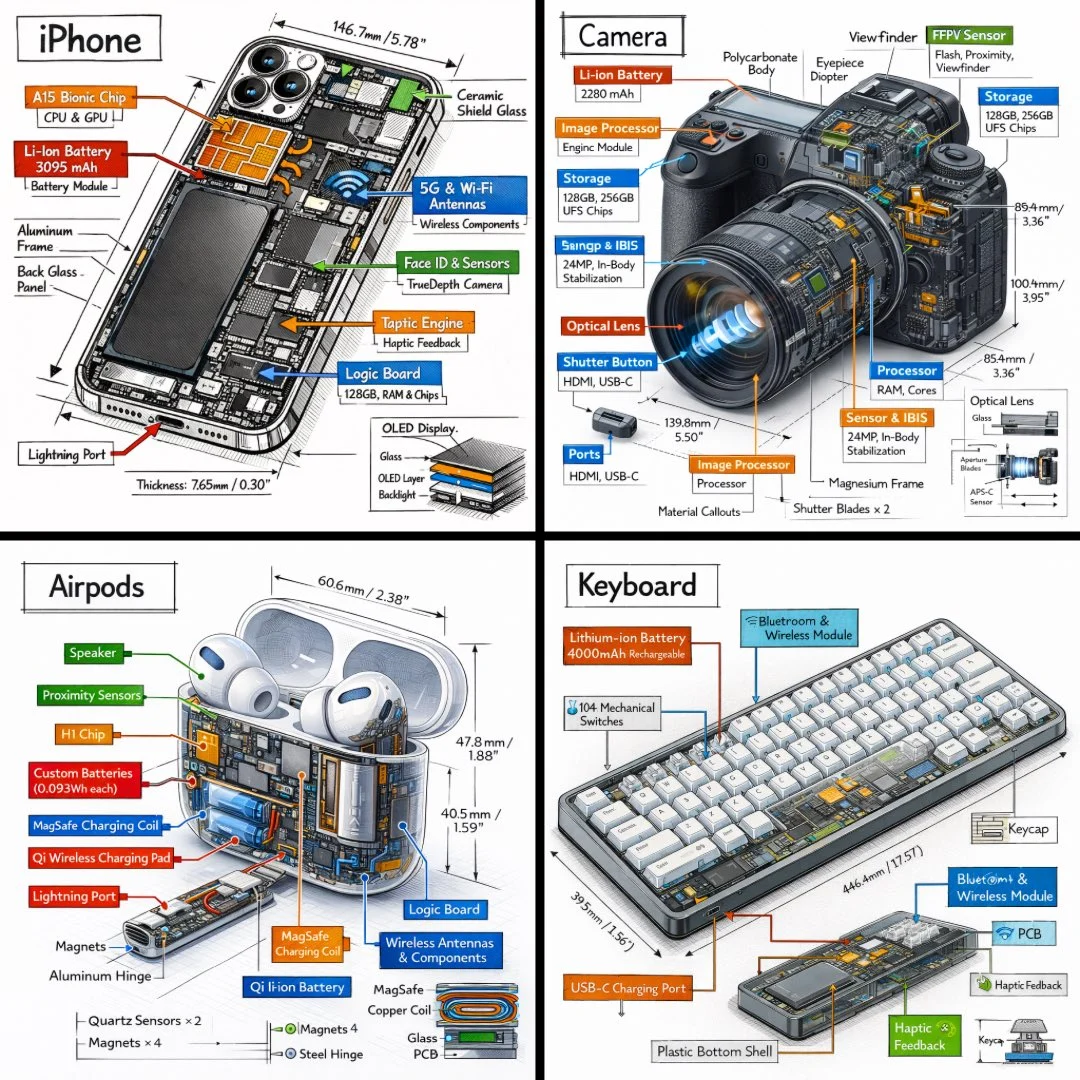 Social Media Visual PromptsCreate reusable prompts for thumbnails, ads, banners, and campaign visuals.
Not sure what image to upload? Browse the Meigen AI Prompt Gallery to find proven visual prompts, then customize a prompt or use an image as a reference.
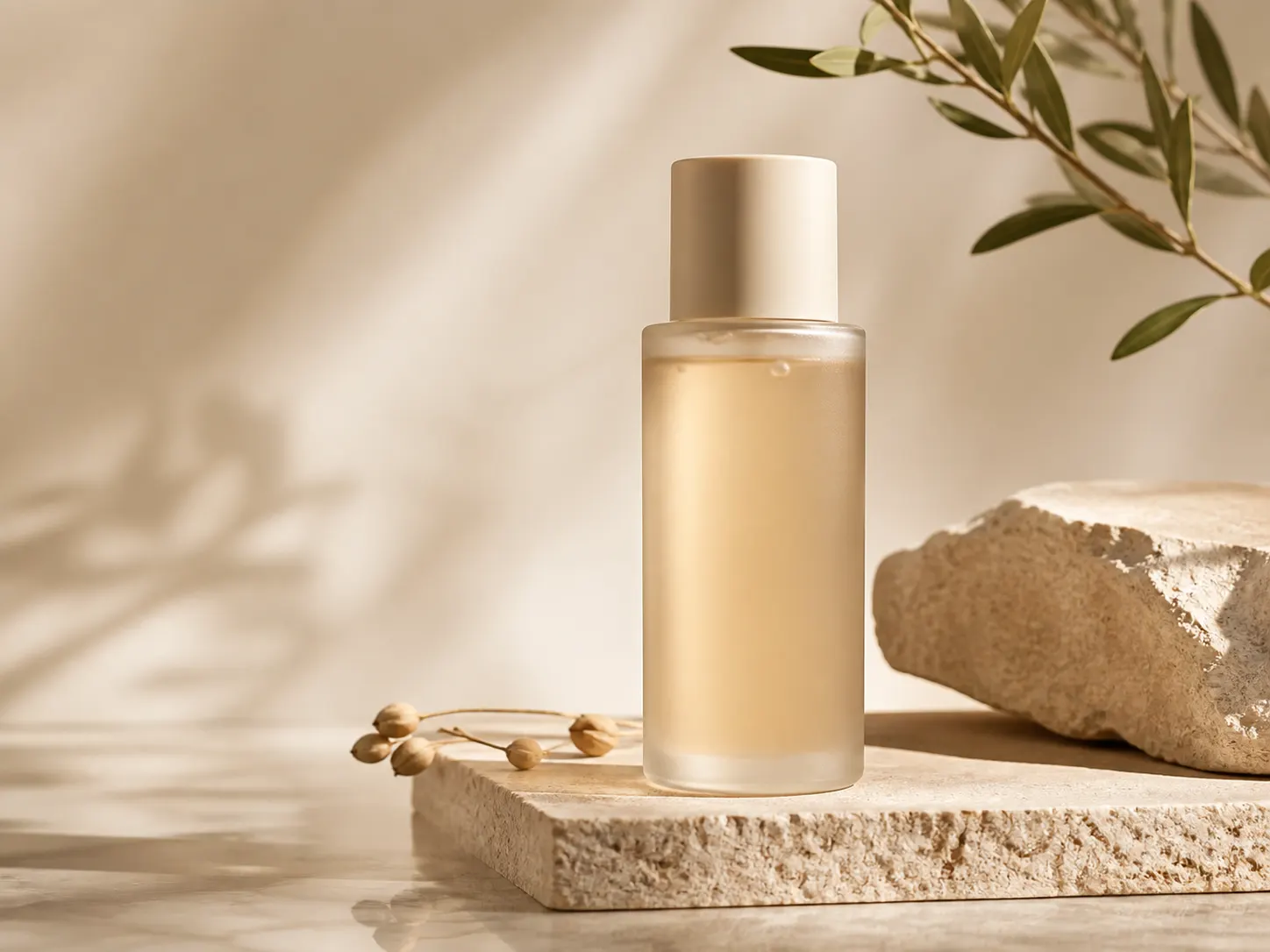 Product Ad GalleryBrowse commercial image prompts for polished product photography.Customize & Generate
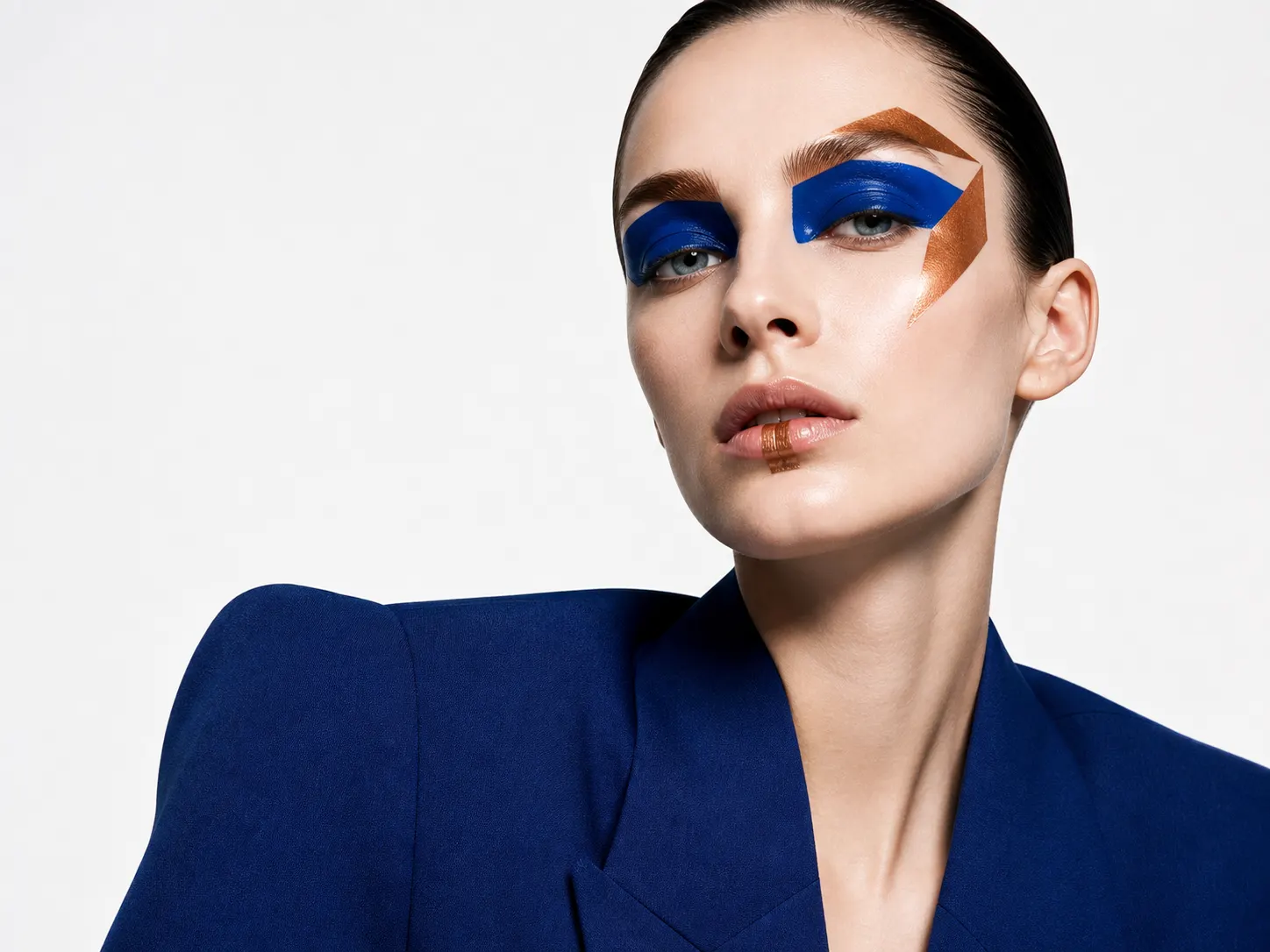 Fashion Portrait GalleryUse pose, wardrobe, lighting, and editorial mood as prompt inputs.View Prompt
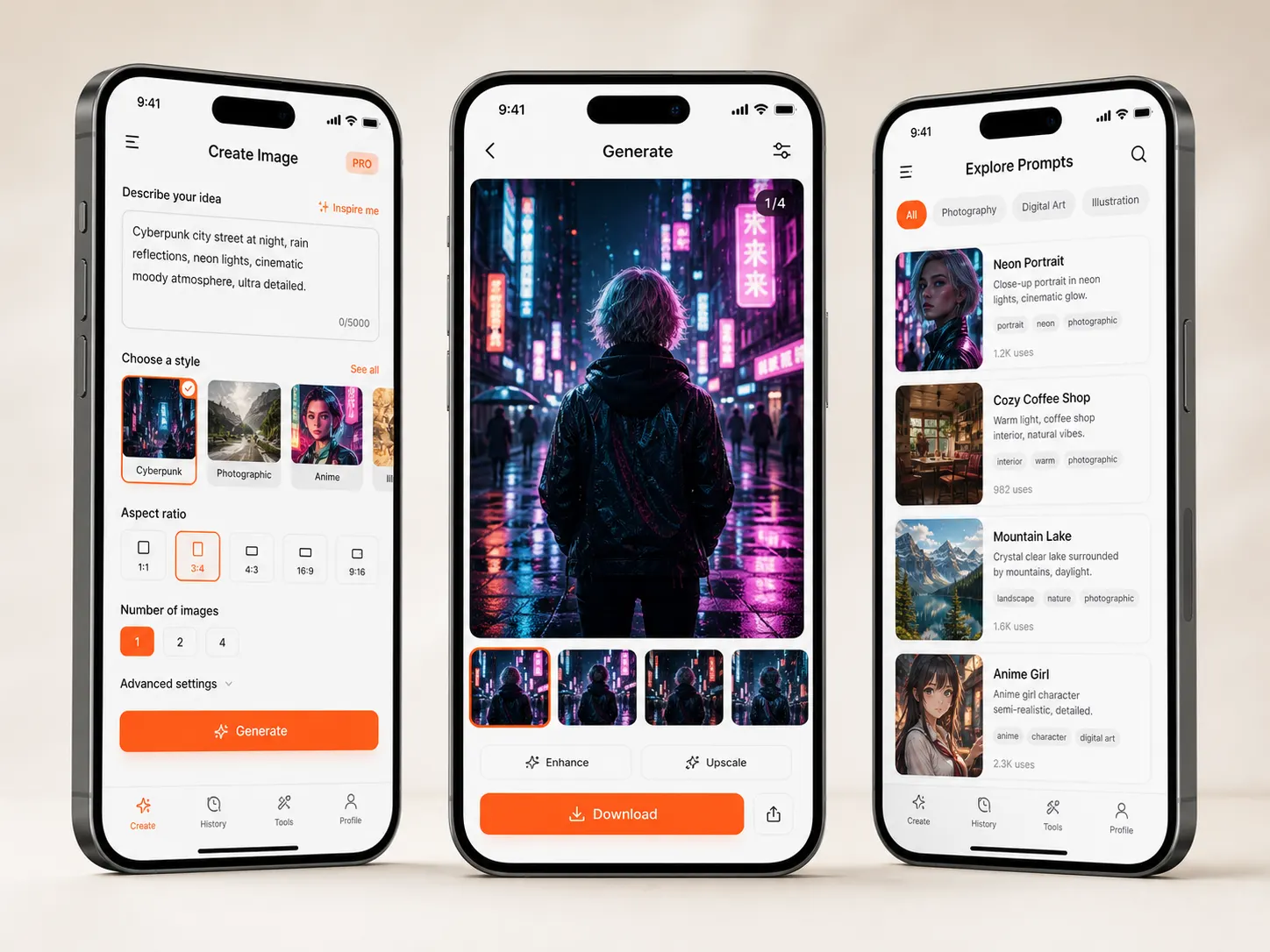 Interior Shot GalleryFind room prompt examples for materials, layout, and camera angle.Customize & Generate
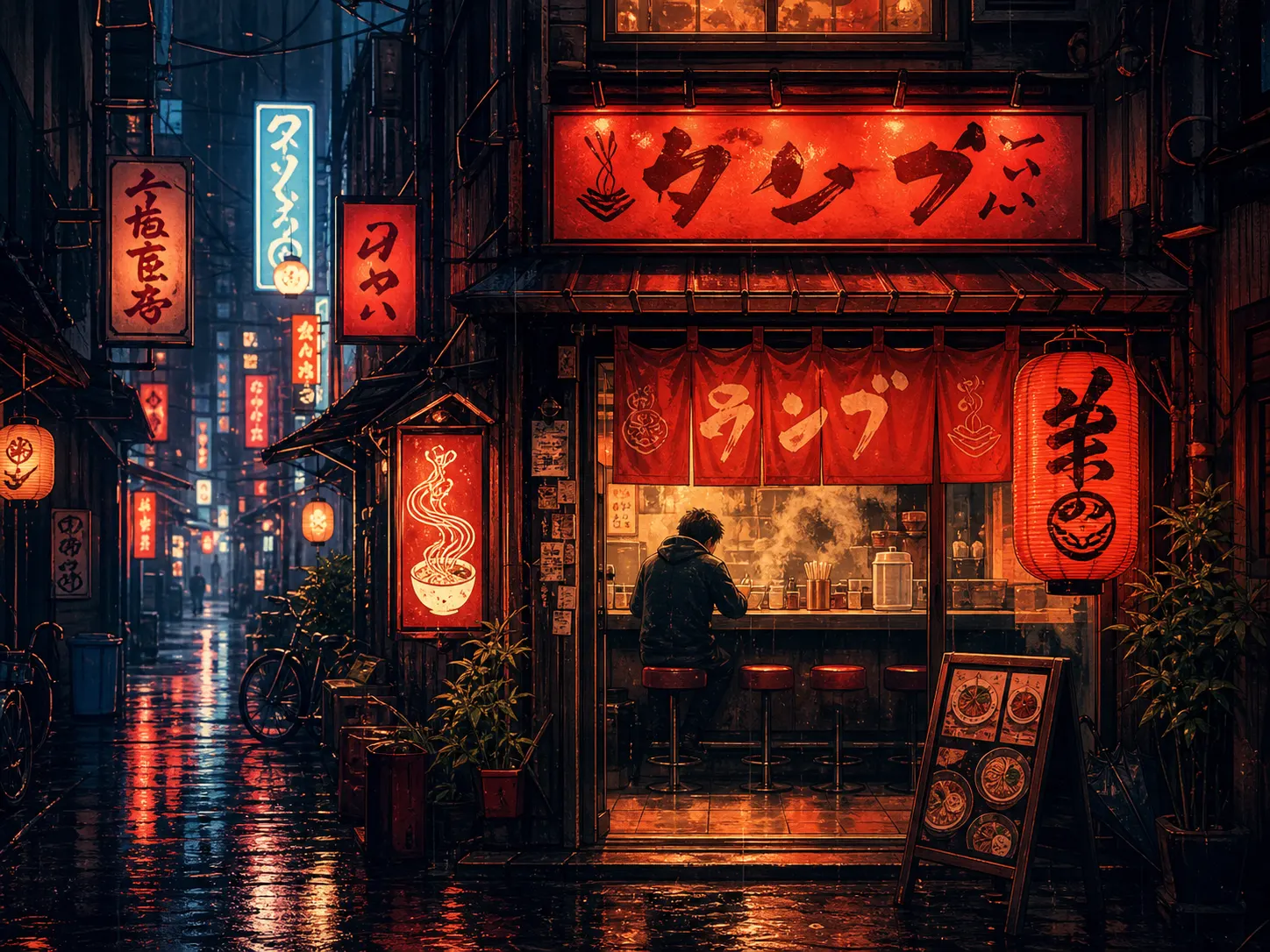 Poster Prompt GalleryExplore graphic prompts with layout, headline, and visual energy.View Prompt
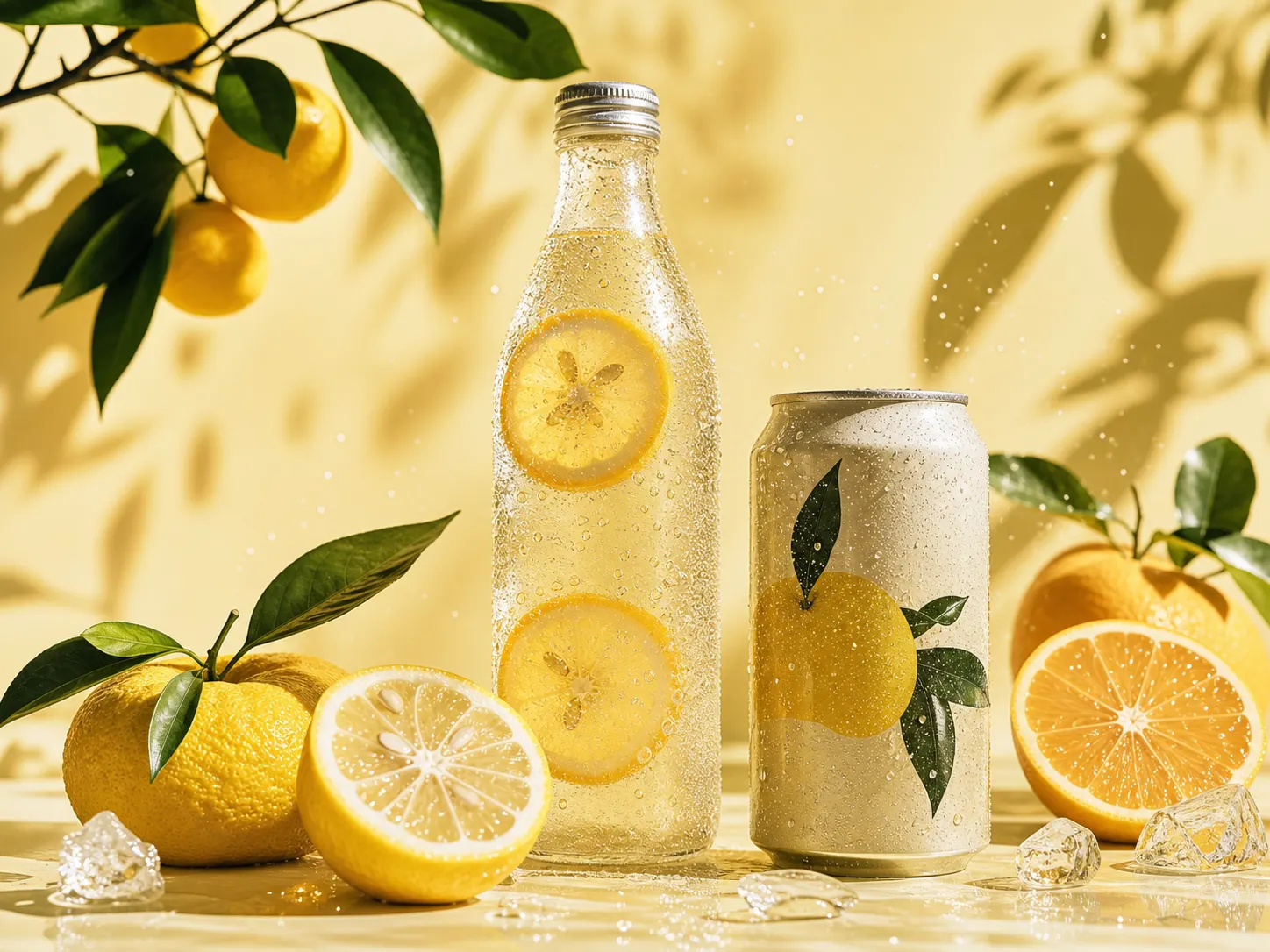 Food PhotographyReusable prompts for food ads, restaurant images, and lifestyle scenes.Customize & Generate
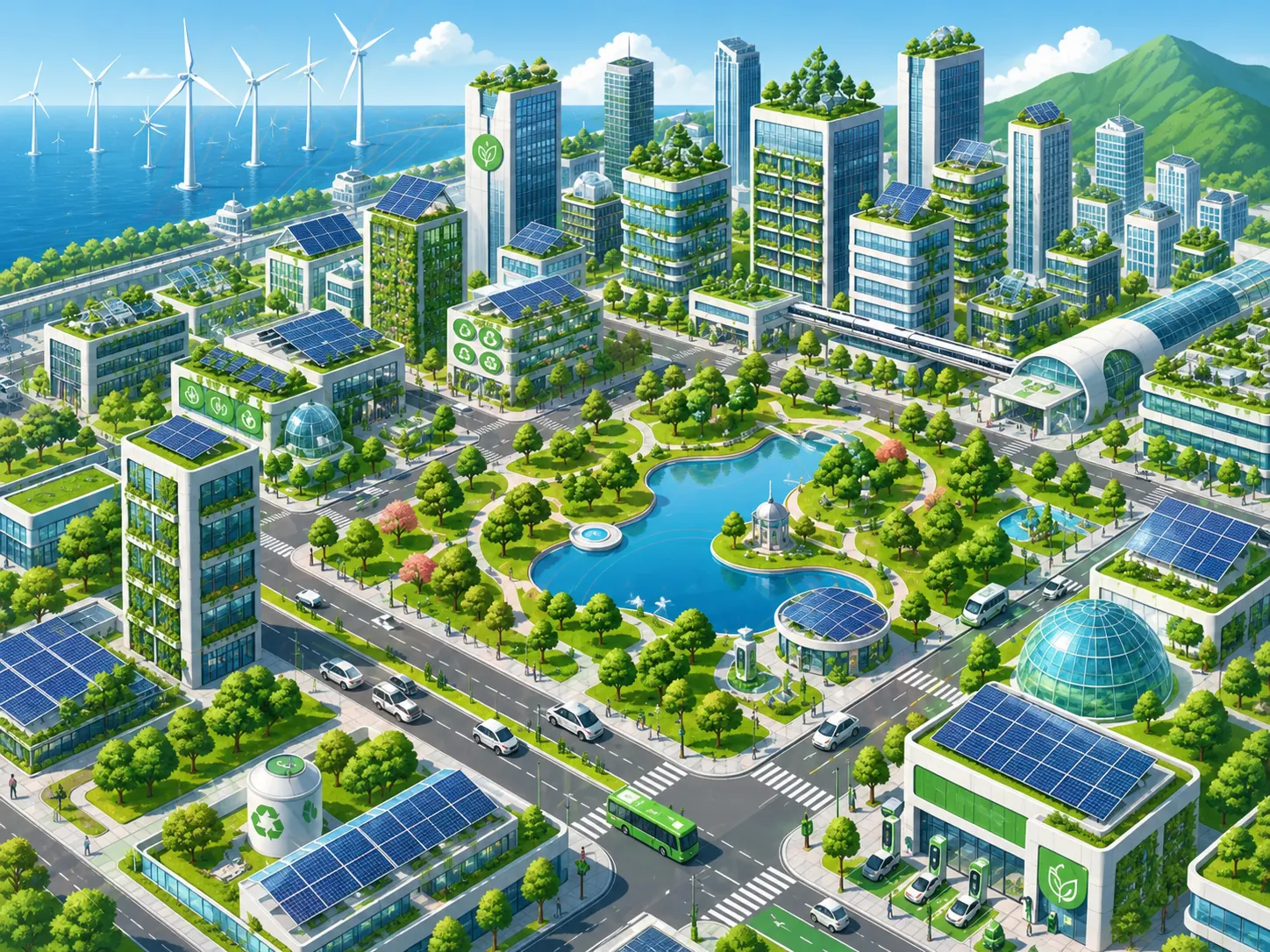 Travel VisualsTurn scenic references into mood-driven AI image prompts.View Prompt
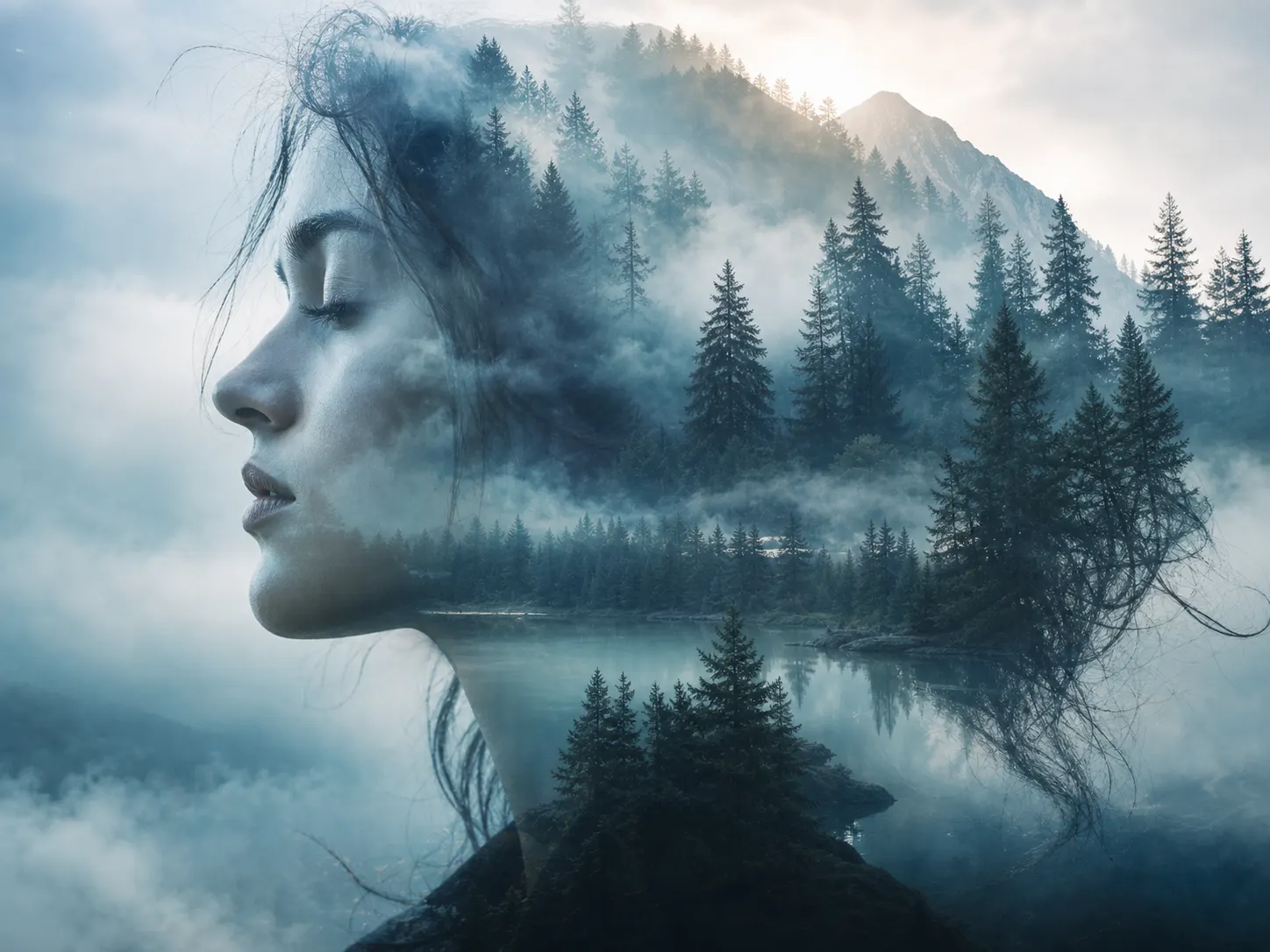 Video PromptsUse visual prompts as a starting point for Seedance-style video ideas.Customize & Generate
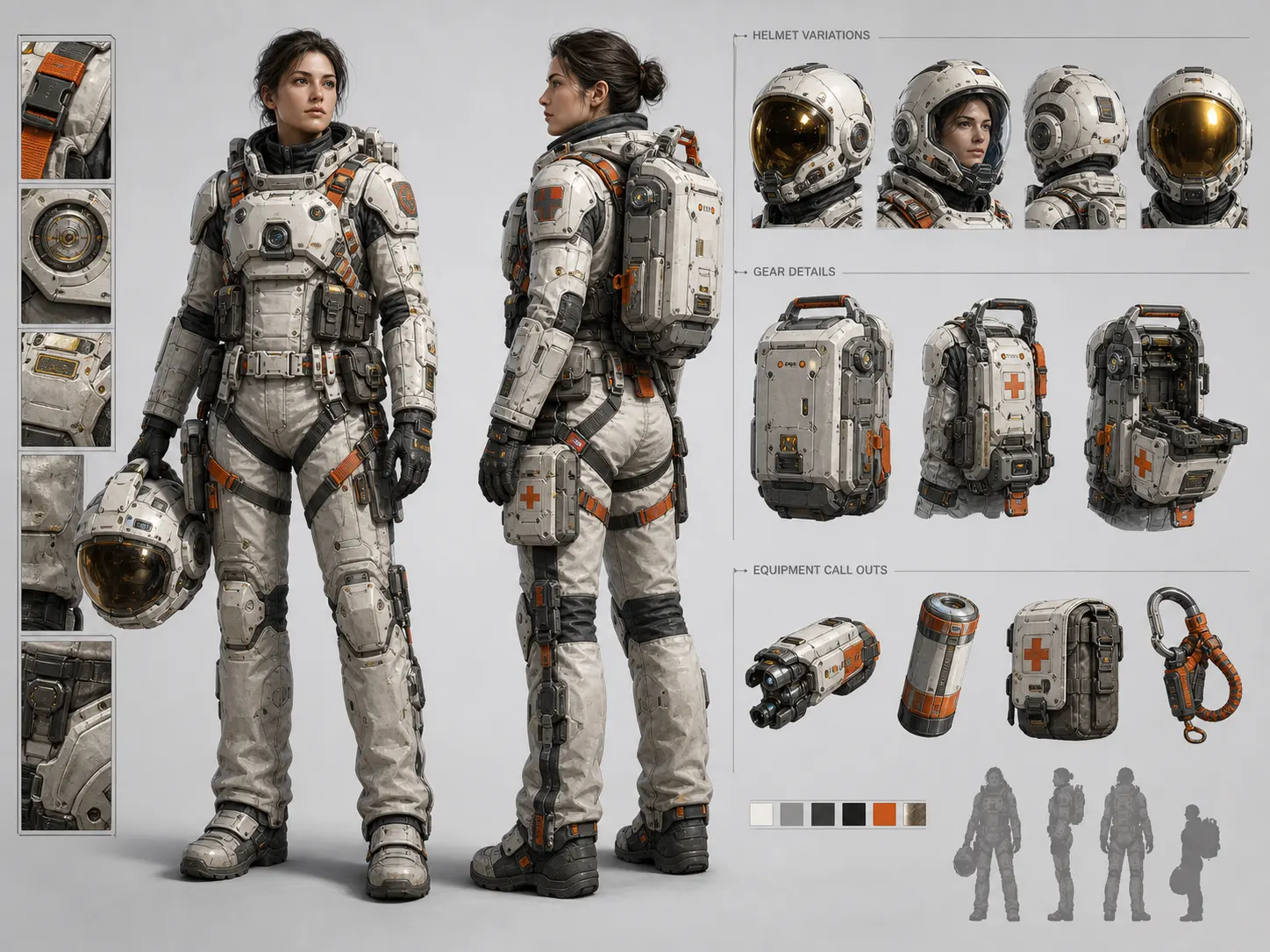 Character ConceptsCapture character mood, lens, lighting, and visual identity.View Prompt
A faster way to understand visual styles, reuse prompt structures, and create similar images without guessing every detail.
I used to save reference images but had no idea how to describe them. This gives me a usable prompt structure that I can edit instead of starting from scratch.
Independent creatorThe best part is that the output is not just one long prompt. I can change the product, mood, and composition before generating my own version.
Marketing designerFor product visuals, image-to-prompt is much faster than writing prompts manually. I upload a reference, adjust the brand direction, and generate variations.
E-commerce founderAn AI image to prompt generator turns an uploaded image into a text prompt that describes the subject, style, lighting, composition, colors, and mood. In Meigen AI, the prompt is editable, so you can change details before generating a similar image.
Yes. Meigen AI separates the prompt into editable parts such as subject, product, style, color palette, and composition, so you can make small changes instead of copying one long prompt.
Yes. After extracting the prompt, you can customize it and use Meigen AI to generate a similar image.
Yes. You can use the extracted prompt by itself or combine it with reference image generation when you want the output to follow an uploaded visual more closely.
Yes. A prompt gallery helps you browse prompts. The image-to-prompt tool starts from your own image and creates an editable prompt from it. You can also combine it with the Meigen AI Prompt Gallery for more ideas.
Yes. You can copy the generated prompt, but the main workflow is built around editing the prompt and generating a similar image inside Meigen AI.
Yes. The tool works well for product ads, poster design, fashion portraits, interior design, social media visuals, thumbnails, and other reusable AI image prompts.