From two selfies to one couple portrait
Create a shared photo even if you only have separate pictures. Great for long-distance couples, anniversary posts, profile pictures, and creative gifts.
AI Couple Photo Generator
Choose a preset, edit the prompt, upload references, and refine the final image instead of accepting a black-box result.
Meigen AI turns a couple photo or separate portraits into a styled couple image with editable prompts, reference image control, style presets, aspect ratio options, and high-resolution generation.
| Input | One couple photo, two selfies, or portrait reference photos. |
| Style | Romantic, wedding, beach sunset, cozy café, anime, cinematic, vintage, travel, anniversary, pre-wedding, or custom prompt. |
| Control | Edit pose, outfit, scene, lighting, camera angle, image ratio, and mood before generation. |
| Output | HD couple portraits, avatars, anniversary images, wedding concepts, and social profile photos. |
Start with one couple photo or separate portraits, choose a ready-made style, then refine the prompt until the image feels right.
| Step 1 | Upload a photoAdd one couple photo, two separate portraits, or reference images. Clear faces and natural lighting usually work best. |
|---|---|
| Step 2 | Choose a style or write a promptPick a ready-made couple photo style, or describe your own scene, pose, outfit, lighting, and mood. |
| Step 3 | Generate and refineCreate your AI couple photo, then adjust the prompt, change the style, or regenerate until the result fits your idea. |
Use Meigen AI when you want the ease of style presets and the control of editable prompt details in one workflow.
Create a shared photo even if you only have separate pictures. Great for long-distance couples, anniversary posts, profile pictures, and creative gifts.
Start with a style, then change details like location, pose, outfit, mood, lighting, camera angle, and image ratio.
Guide the result with your own reference image, visual style, or composition so the AI has more context than text alone.
Try realistic photography, cinematic portraits, wedding looks, anime couple avatars, vintage film, travel photos, or fantasy scenes.
Meigen AI is designed for people who want to browse prompts, customize ideas, and generate images in one workflow.
Use the AI couple photo generator for romantic keepsakes, profile pictures, creative gifts, wedding concepts, and long-distance memories.
RainyParis rain, umbrella, evening lights.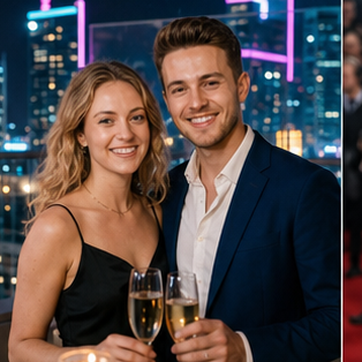 RooftopCity skyline, night date, polished look.
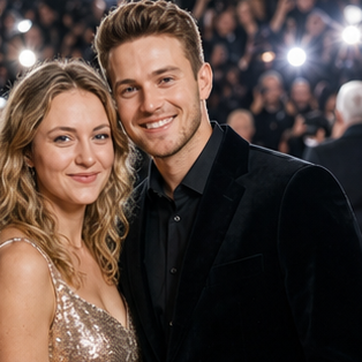 CarpetRed carpet event, formal portrait.
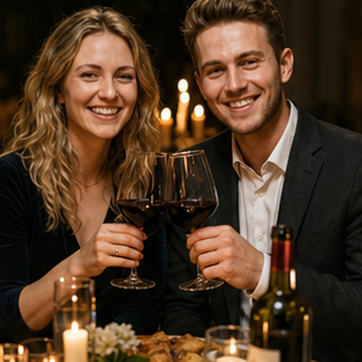 CandlelightDinner date, warm shadows, intimate mood.
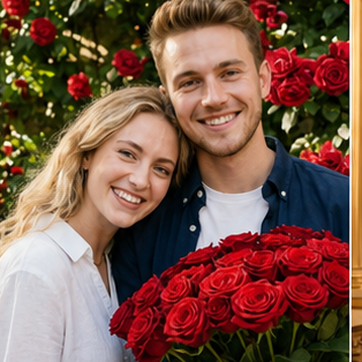 RosesRose garden, soft daylight, romantic pose.
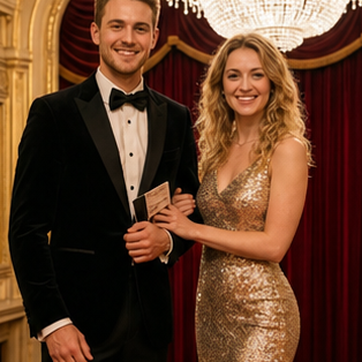 OperaElegant evening, chandelier, formalwear.
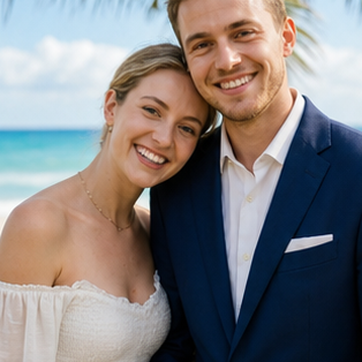 BeachBright shore, relaxed vacation portrait.
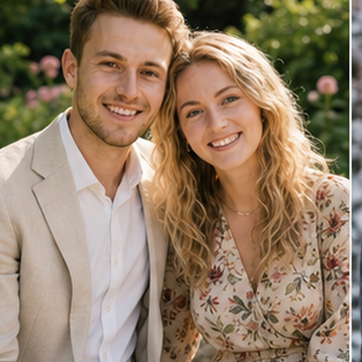 GardenGreen garden, fresh daylight, soft smile.
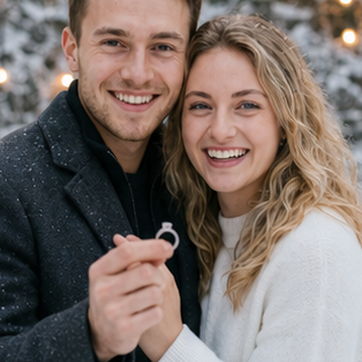 ProposalEngagement moment, emotional close-up.
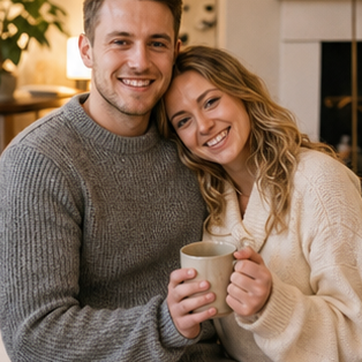 CozySweaters, warm home, everyday love.
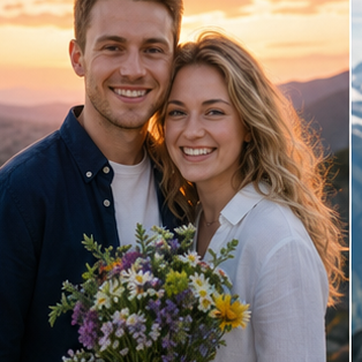 SunsetGolden sky, flowers, warm travel scene.
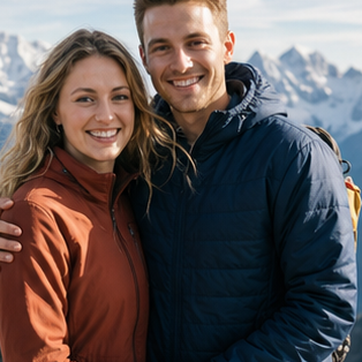 SummitMountain view, outdoor adventure portrait.
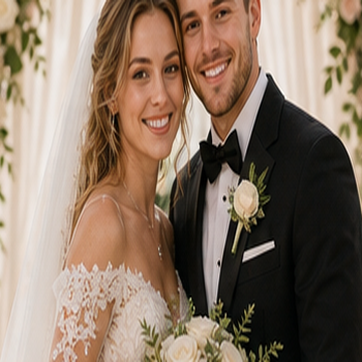 WeddingFloral ceremony, white dress, black suit.
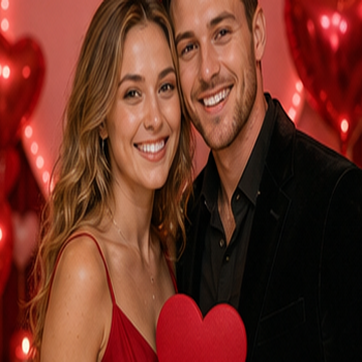 ValentineHeart decor, red light, romantic date.
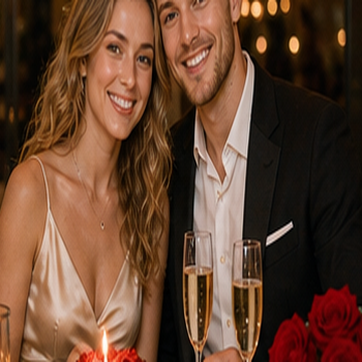 AnniversaryCake, champagne, warm dinner portrait.
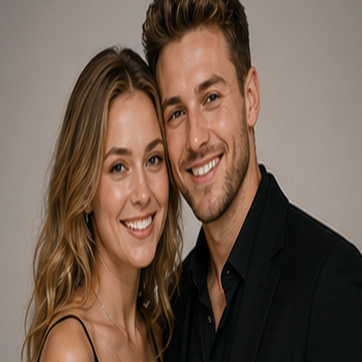 StudioClean backdrop, polished fashion portrait.
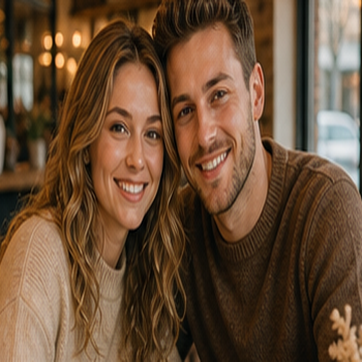 CafeCoffee cups, window light, cozy date.
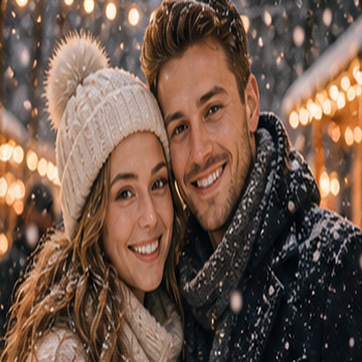 SnowWinter lights, warm coats, snowfall.
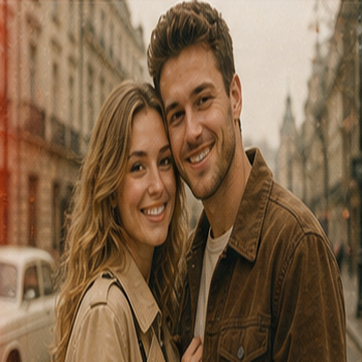 Vintage35mm film, retro street, faded tones.
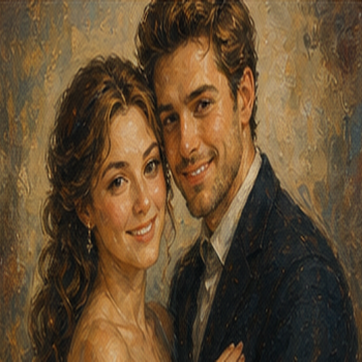 Oil PaintingPainterly portrait, textured romantic art.
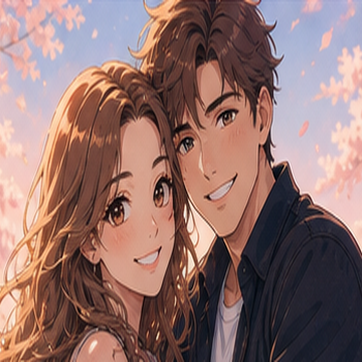 AnimeRomantic anime avatar, soft blossoms.
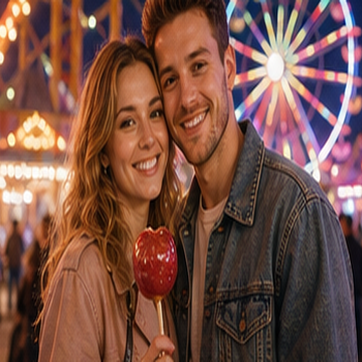 CarnivalFerris wheel lights, playful night date.
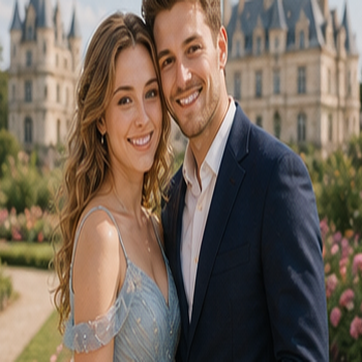 CastleFairytale garden, dreamy architecture.
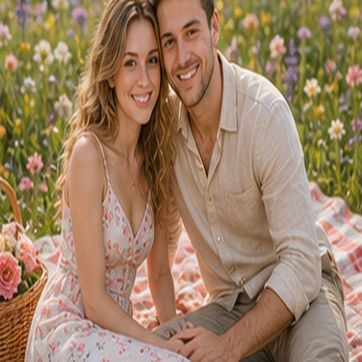 PicnicFlower meadow, blanket, spring sunlight.
Copy a prompt, edit the details, then generate your own AI couple image with Meigen AI.
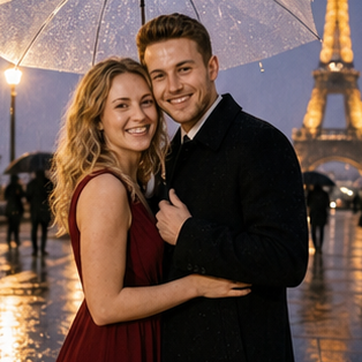
Create a realistic rainy Paris couple photo from the uploaded reference photo or photos. Romantic evening street, umbrella, wet pavement reflections, Eiffel Tower glow in the background, natural smiles, cinematic photography, realistic skin texture, high detail.
Use PromptCreate a realistic rooftop date couple photo from the uploaded reference photo or photos. City skyline at night, elegant outfits, warm terrace lighting, romantic mood, shallow depth of field, polished lifestyle photography.
Use PromptCreate a realistic red carpet couple portrait from the uploaded reference photo or photos. Formal black outfits, event flash lighting, premium celebrity photo style, confident pose, realistic faces, high-resolution portrait.
Use PromptCreate a realistic candlelight dinner couple photo from the uploaded reference photo or photos. Warm restaurant light, glasses on the table, intimate expressions, soft shadows, candid lifestyle photography, high detail.
Use PromptCreate a realistic rose garden couple portrait from the uploaded reference photo or photos. Red and pink roses, soft daylight, natural smile, romantic pose, clean skin texture, dreamy background, high detail.
Use PromptSmall input improvements can make the final AI couple portrait more natural and easier to refine.
Choose photos where each person's face is visible, well-lit, and not blocked by sunglasses, hair, masks, or heavy filters.
Describe the scene, pose, mood, clothing, lighting, and image style. Romantic beach sunset portrait works better than nice couple photo.
A reference image can help guide composition, outfit direction, color palette, or visual style.
AI image generation is creative. If the first version is not right, adjust the prompt or try another style.
Only upload photos you own or have permission to use. Do not create misleading images of people without consent. AI-generated couple photos are digital creations and should not be presented as real photographs when accuracy matters.
An AI couple photo generator creates a new couple image from uploaded photos, text prompts, or reference images. You can describe the scene, style, pose, lighting, and mood, then generate a romantic couple portrait with AI.
Yes. Upload one photo for each person, choose a style, and describe the couple photo you want to create. Clear portrait photos usually produce better results.
Yes. You can generate wedding-style portraits, pre-wedding concepts, anniversary photos, romantic date scenes, travel couple photos, and matching couple avatars.
You can start with preset styles, but adding a short prompt gives you more control over the final image. You can describe location, outfit, pose, camera style, and mood.
AI results may vary. Clear, high-quality input photos and specific prompts can help the generated image better follow your reference photos, but exact likeness is not guaranteed.
Commercial use depends on your Meigen AI plan, the images you upload, and whether you have permission to use the people, brands, or references in the image. Always check the current terms before commercial use.
Upload your photos, choose a style, edit the prompt, and generate your own couple photo with Meigen AI.