Lower-cost prompt testing
Use Mini when you need to compare many scene ideas, hooks, camera moves, or product angles before spending more credits on a polished render.
Seedance AI video prompt guide
Seedance 2.0 Mini is useful for fast AI video testing, short social clips, product demos, ad creative ideas, and storyboard experiments. Better prompts help you spend fewer credits while testing more directions.
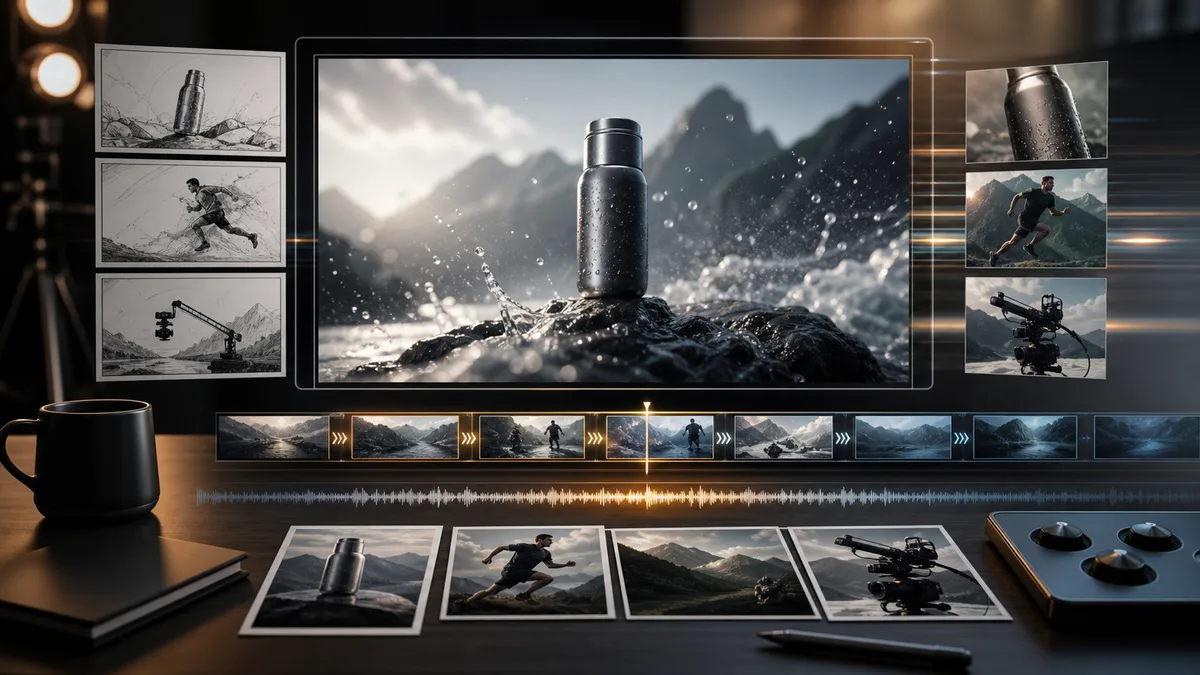
Use Meigen AI to write, edit, and customize Seedance 2.0 Mini prompts for product videos, social clips, sports visuals, cinematic scenes, and ad creatives.
Seedance 2.0 Mini is the lightweight option in the Seedance video model family. It is designed for faster and more cost-efficient AI video creation, especially when you need to test many ideas quickly.
Use Mini when you need to compare many scene ideas, hooks, camera moves, or product angles before spending more credits on a polished render.
Add a product, character, outfit, or brand image so the video starts from a visual anchor instead of a loose text-only description.
Plan compact 480p or 720p clips for social ads, landing-page media, ecommerce demos, storyboard reviews, and creator posts.
Use Mini to find the strongest direction, then move the winning prompt into Seedance 2.0 when final detail and production polish matter more.
Official Seedance 2.0 Mini introduction video · View source
An image prompt describes one frame. A video prompt describes what changes over time, so it needs motion, camera direction, duration, lighting, mood, format, and background action.
a cinematic product video
Create a 6-second product video of a black perfume bottle on a reflective surface. Golden light slowly moves across the glass while mist drifts in the background. The camera performs a slow push-in shot. Luxury commercial style, dark shadows, gold highlights, vertical 9:16 format.
Best for lower-cost testing, social clips, quick product demos, prompt experiments, and early creative exploration.
Best for higher-quality output, polished campaign assets, refined motion, and projects where detail matters more than iteration cost.
Use Mini to test prompts quickly, pick the strongest concept, then refine motion, camera, and lighting for a more polished version later.
Choose the length before writing the scene, such as a 5-second social clip or a 6-second product demo.
Name the product, person, place, or scene the video should follow.
Describe what changes over time: drifting mist, a rotating product, a walking model, or light moving across glass.
Add push-in, macro close-up, side tracking, slow rotation, handheld realism, or locked-off framing.
Finish with lighting, mood, color palette, commercial style, and vertical, horizontal, or square output.
Use each video as the motion reference first, then copy the matching prompt to define shot order, camera movement, pacing, lighting, and format.
Create a 10-second National Geographic wildlife documentary scene on a snowy mountain slope. Shot 1: telephoto close-up of a snow leopard hiding behind rock, fur moving in the wind, eyes locking onto prey. Shot 2: high-speed side tracking as it launches forward, snow and gravel flying in slow motion. Shot 3: extreme macro close-up of claws landing in thin snow, ice crystals scattering in shallow depth of field.
Create a cinematic 16:9 pro wrestling fight video from a 16-panel storyboard. Keep both fighters visually consistent, use clear action beats, low angles, impact close-ups, crowd reactions, slow-motion moments, and a final victory beat. Make the motion feel like a premium sports promo with dramatic arena lighting, sweat spray, mat bounce, and strong camera energy.
Create a retro office-themed commercial scene with a young office worker in vintage corporate uniform. Show the contrast between looking busy and reality: ringing desk phones, typewriter, paperwork, fruit tea, motion-blurred city outside the window, then the same worker secretly asleep at the desk. Use warm cinematic lighting, playful corporate humor, realistic product placement, and high-end editorial ad styling.
Start with a rough idea, then turn it into a structured video prompt with subject, motion, camera direction, lighting, duration, and output format before generating.
Generate This Prompt in Meigen AI